
How to Build High-Converting Shopify Forms: The Interactive Conversational Form Guide (Typeform Alternative)
Tired of clunky, abandoned Shopify forms? Learn how interactive 1-question-at-a-time conversational Shopify forms eliminate mobile drop-offs, boost completions by 280%, and integrate natively with your Shopify theme.
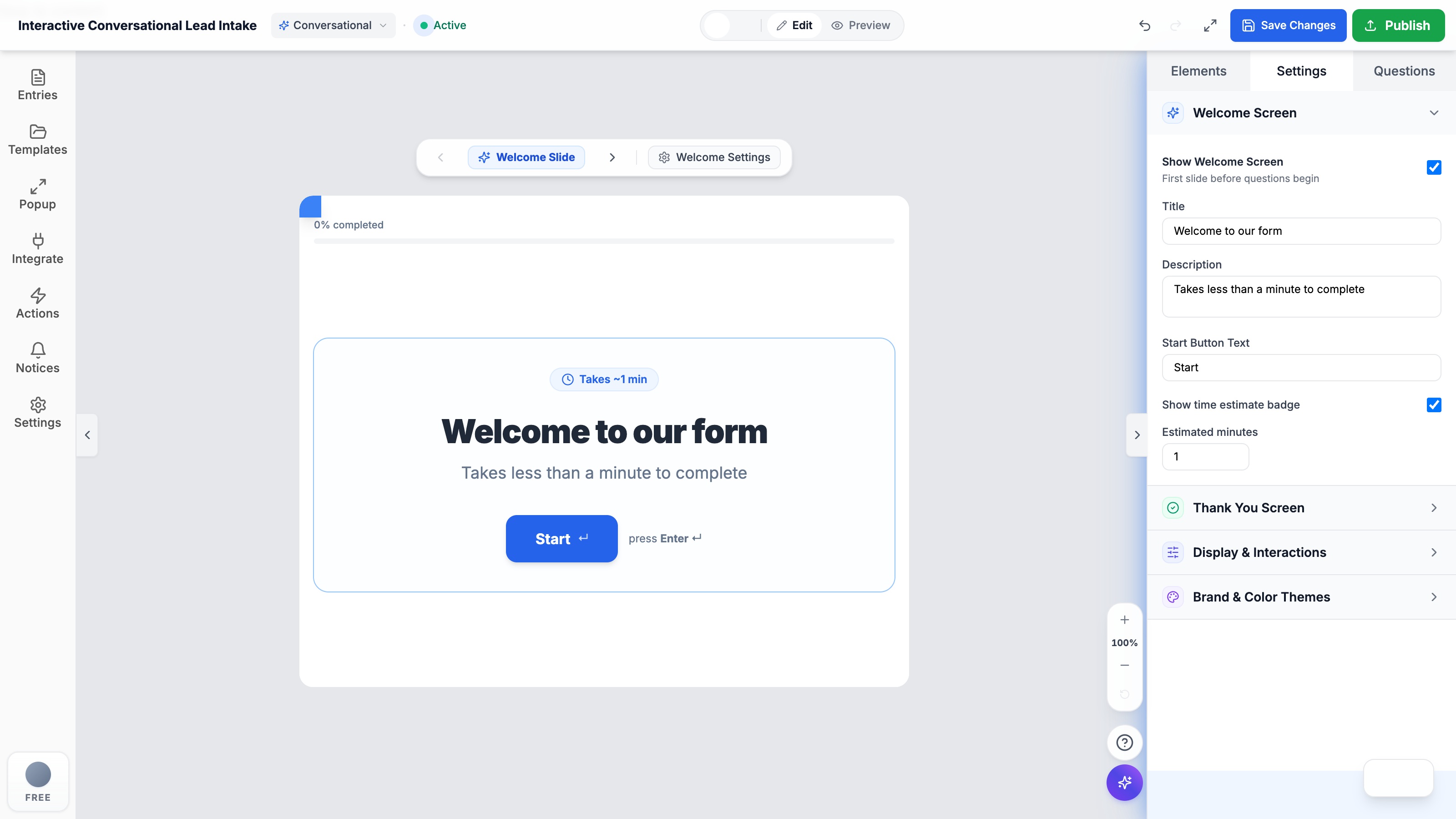
- Standard static Shopify forms suffer from 68%+ mobile abandonment due to visual anxiety, rigid layout stacking, and keyboard friction.
- Interactive conversational Shopify forms present one question at a time, eliminating cognitive overload and boosting mobile completion rates by up to 280%.
- Unlike external iframe tools like Typeform, Formpify functions natively as an Online Store 2.0 theme app block without slowing down page speed or hurting Google Core Web Vitals.
- Built-in dynamic answer piping allows subsequent questions to recall previous customer answers (e.g. "@name") for personalized dialogues.
- Includes 14 curated designer theme presets, automated Shopify Customer tagging, and instant sync with Klaviyo, Mailchimp, and Zapier.
Table of Contents
- →1. Why Traditional Shopify Forms Suffer from 68%+ Abandonment
- →2. Conversational Forms vs. Traditional Shopify Forms: The Psychology of 1-Question Flows
- →3. Why Native Shopify Form Builders Beat External Survey Iframes (Typeform)
- →4. Formpify: The All-in-One Shopify Form Builder with Conversational Engine
- →5. Step-by-Step: Building an Interactive Shopify Form in 3 Minutes
- →6. 4 High-Converting Shopify Form Blueprints (Product Quiz, Wholesale, Quotes & Feedback)
1. Why Traditional Shopify Forms Suffer from 68%+ Abandonment
If you operate or develop an e-commerce brand, your Shopify forms are the primary gateway to capturing high-value leads, custom orders, wholesale accounts, and customer feedback. Yet on most storefronts, forms represent the single biggest friction point in the customer journey: traditional multi-field Shopify forms silently repel over 68% of interested buyers, especially across mobile devices where over 72% of modern shopping occurs.
When a shopper on a smartphone opens a typical Shopify contact form, custom quote inquiry, or wholesale registration, they are confronted with a towering wall of 8 to 15 blank input fields stacked vertically like a tedious tax document. This visual fatigue triggers instant abandonment before they type a single character. Standard Shopify forms force constant scrolling, repeated mobile keyboard pop-ups, and erratic layout jumping that frustrate users.
⚠️ The Silent Conversion Killer on Mobile
Industry benchmarks show that standard static Shopify forms on mobile convert at a dismal 10-14% average completion rate. In contrast, interactive one-question-at-a-time conversational Shopify forms routinely surpass 42-55% completion rates—more than doubling your inbound leads.
2. Conversational Forms vs. Traditional Shopify Forms: The Psychology of 1-Question Flows
Upgrading your store with an interactive conversational Shopify form is not merely an aesthetic choice—it leverages fundamental principles of behavioral psychology designed to minimize mental friction and drive micro-commitments:
- The Zeigarnik Effect: Behavioral psychology demonstrates that people have an instinctive urge to complete a process once they take the first small step. Answering a simple initial question with a single tap creates effortless forward momentum.
- Single-Tasking & Laser Focus: By presenting only one question per screen in clean, high-contrast focus, the customer never feels overwhelmed by the total form length. Smooth keyboard glide (pressing
Enterto glide to the next card) creates a gamified, app-like experience. - Dynamic Answer Recall (@Piping): Interactive Shopify forms replicate an attentive concierge. When a visitor provides their name on slide 1, subsequent questions personalize dynamically: "Nice to meet you, Sarah! What type of custom product are you looking to design?".
3. Why Native Shopify Form Builders Beat External Survey Iframes (Typeform)
Historically, DTC merchants seeking interactive survey flows had no choice but to embed third-party tools like Typeform into their stores. However, using external survey tools on a production Shopify store creates critical bottlenecks:
- Severe Iframe Speed Penalties: External tools run inside cross-origin
<iframe>tags that increase Google Core Web Vitals latency (INP and LCP) and trigger jarring mobile layout shifts that damage SEO rankings. - Complex Middleware Costs: Standalone tools cannot natively create Shopify Customer records or update customer tags. Stores must subscribe to paid Zapier or Make connections ($20–$50/month) just to shuttle basic form responses into Shopify.
- Punitive Pricing Tiers: Typeform charges $29/mo for only 100 responses, jumping to $59/mo or $83/mo as soon as promotional ad campaigns scale, creating unexpected bill shocks.
⚡ The Native Shopify Form Advantage
Formpify integrates natively as an Online Store 2.0 Theme App Block. Scripts execute asynchronously from global edge CDNs in under 50ms with zero iframe overhead, 100% theme font inheritance, and instant Shopify Customer profile synchronization.
4. Formpify: The All-in-One Shopify Form Builder with Conversational Engine
Formpify bridges the gap between powerful customization and effortless usability, giving merchants enterprise-level form creation directly within their Shopify Admin dashboard:
- 14 Curated Designer Themes: Instantly switch between Emerald Serenity, Terracotta, Midnight Slate, Ocean Indigo, Minimal Charcoal, and Clean Slate to match your storefront styling.
- Branded Welcome & Thank You Cards: Create high-impact intro slides with estimated completion times (e.g. "Takes ~1 min") and customized conclusion screens with instant coupon code reveals or product redirects.
- Dynamic Variable Piping: Use simple
@variabletags to weave customer responses naturally into later questions, creating conversational rapport. - Visual Drag-and-Drop Editor: Add text fields, international phone inputs with country flags, card-style radio choices, file uploads, and rating scales with zero Liquid coding.
5. Step-by-Step: Building an Interactive Shopify Form in 3 Minutes
Creating a high-converting conversational form for your Shopify store requires just a few intuitive steps:
- Install Formpify: Add Formpify from the Shopify App Store to your storefront.
- Select Conversational Mode: In the Form Creation dashboard, choose the Conversational Form tab and pick a pre-built template (Lead Qualifier, Product Recommendation Quiz, or Feedback Intake).
- Customize Questions & Answer Piping: Customize field labels, enable answer piping with
@variable, and set validation rules or conditional jumps. - Embed Natively via Theme App Block: Open the Shopify Online Store 2.0 Theme Customizer, add the Formpify Form Block to your desired page or slide-out drawer, select your form ID, and click Save.
6. 4 High-Converting Shopify Form Blueprints (Product Quiz, Wholesale, Quotes & Feedback)
Modern Shopify brands deploy interactive forms across multiple high-impact touchpoints:
- 🛍️ Product Recommendation & Sizing Quizzes: Guide shoppers through a personalized questionnaire to recommend the perfect skincare regimen, apparel size, or subscription box, boosting Average Order Value (AOV) while reducing returns.
- 💼 B2B & Wholesale Lead Capture: Collect company credentials, expected order quantities, and resale tax certificates without overwhelming wholesale buyers.
- 🔧 Bespoke Quotes & Custom Orders: Let clients specify custom dimensions, engraving text, or upload reference design files in a focused, stepwise workflow.
- ⭐ Post-Purchase Feedback & NPS Surveys: Capture authentic customer sentiment on order confirmation pages or dedicated feedback portals with maximum completion rates.
Ready to double your Shopify form conversion rates?
Create high-converting conversational forms, contact pages, and custom estimators on Shopify with Formpify.
Explore More Shopify Form Guides
 Product Updates
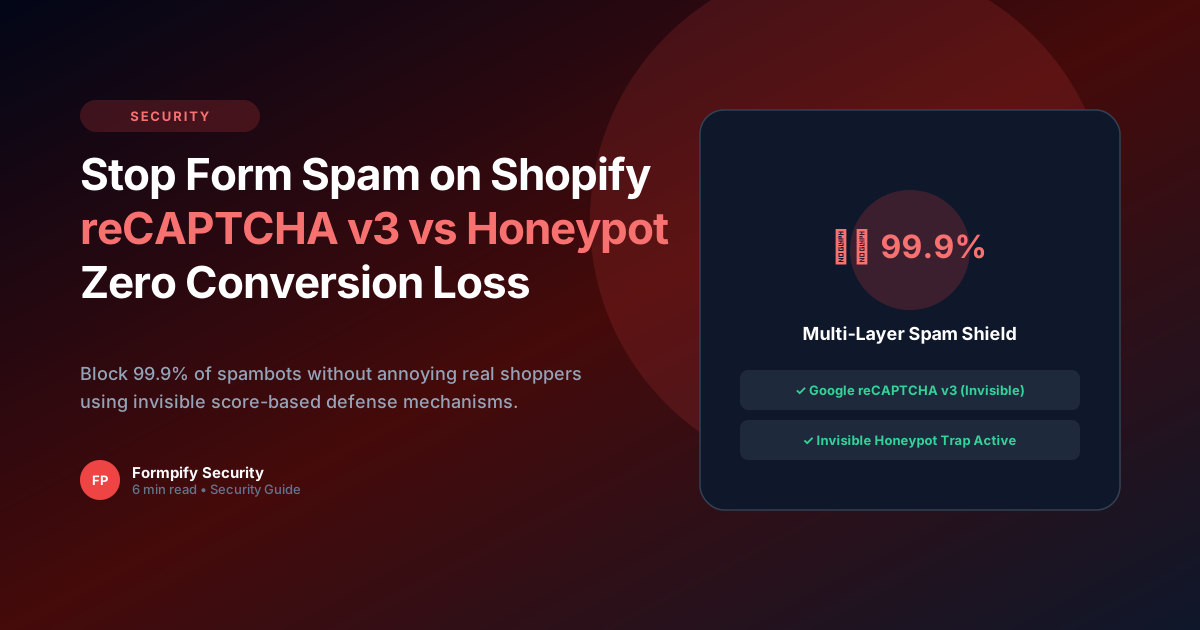
How to Stop Form Spam on Shopify: Google reCAPTCHA v3 vs Invisible Honeypot
Stop receiving hundreds of spambot submissions. Discover how invisible behavioral analysis and honeypot traps protect your inbox with zero conversion loss.
 Product Updates
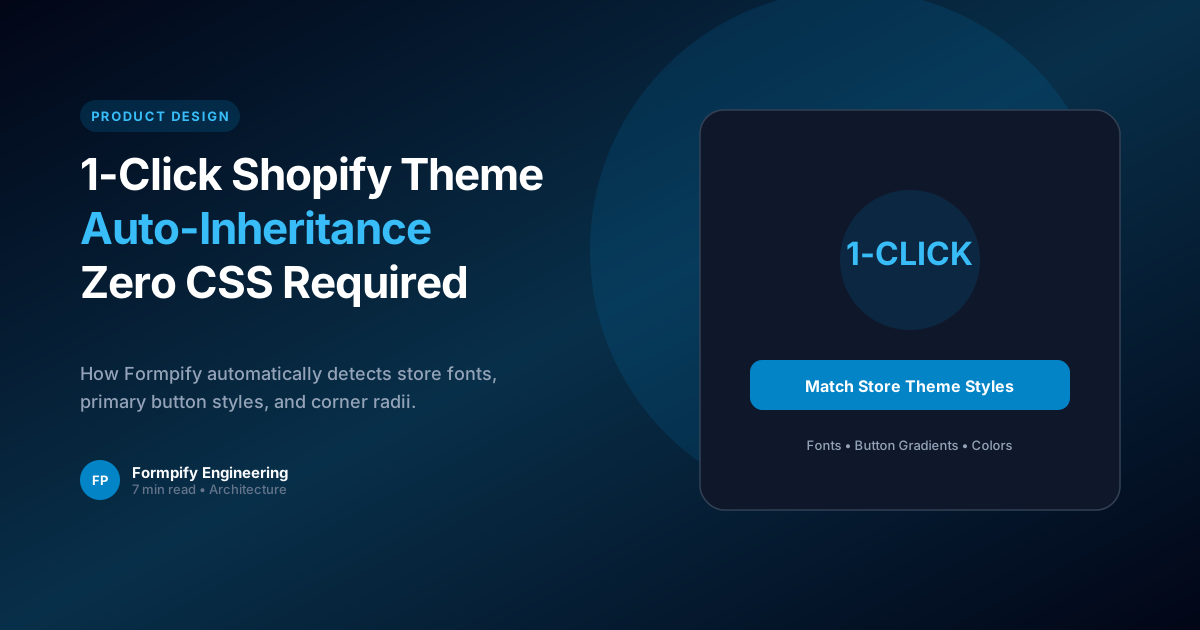
Why 1-Click Shopify Theme Auto-Inheritance is the Future of Storefront Form Design
Stop wasting hours tweaking CSS. Discover how intelligent theme inheritance creates seamless, native-feeling storefront forms.
 Product Updates
How to Add Configurable Sales Tax (%) & Currency Symbols to Shopify Calculators
Configure international currency symbols ($ € £ ¥ AUD CAD) and auto-calculate regional VAT and state sales taxes in real time on Shopify storefronts.
Ready to supercharge your Shopify forms?
Join thousands of merchants creating custom forms, surveys, and live cost calculators.