
How to Create High-Converting Multi-Step Forms on Shopify to Double Leads (2026 Guide)
Break intimidating questionnaires into digestible, high-converting steps. Complete guide with design tips, progress indicators, and validation rules.
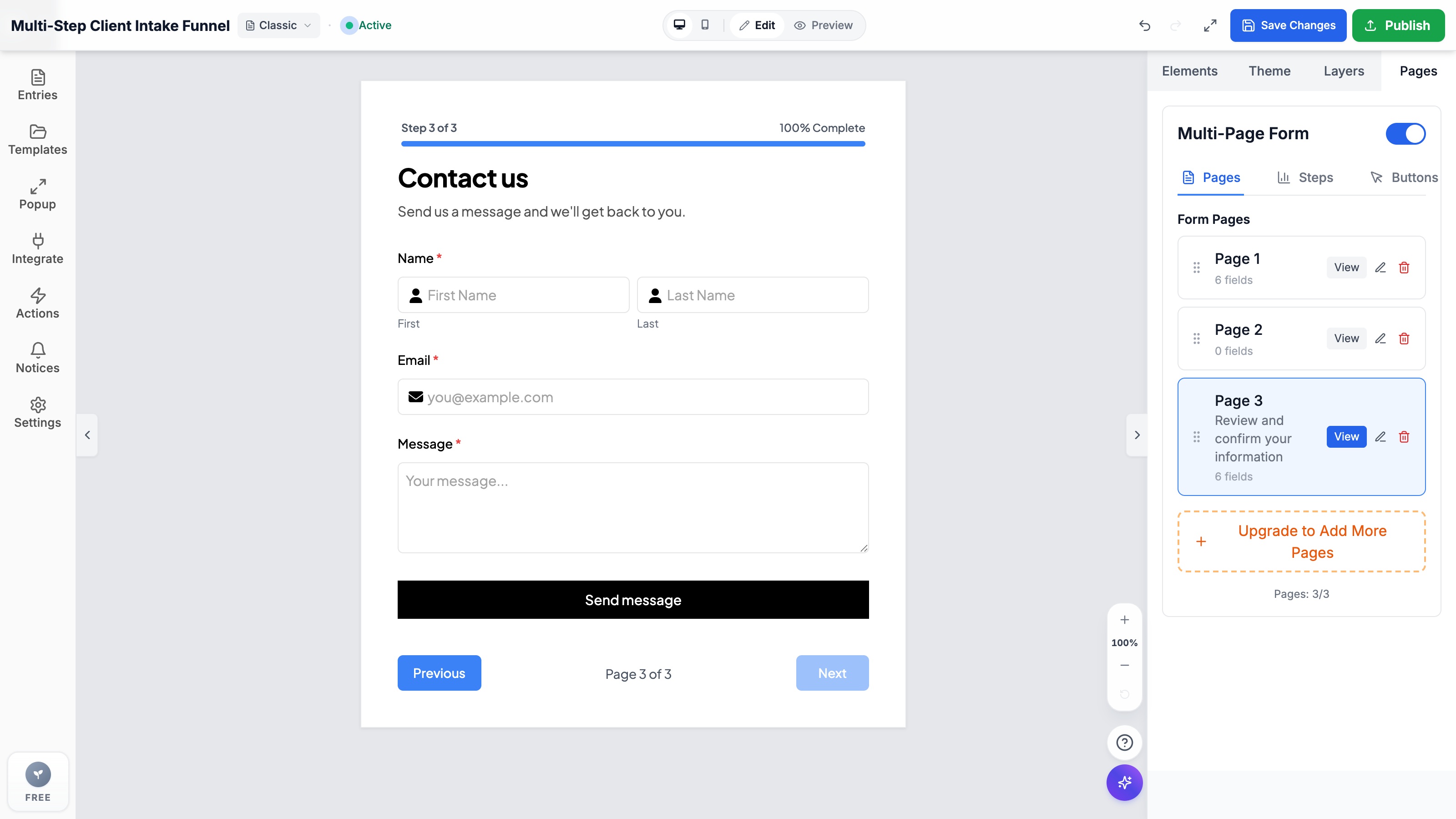
- Multi-step forms reduce visual friction by presenting only 2-3 focused questions at each stage.
- Animated progress bars leverage the Goal Gradient Effect, motivating prospects to complete complex onboarding or quote funnels.
- Per-step validation guarantees that incomplete or invalid inputs are flagged immediately before moving to subsequent pages.
- Formpify offers native multi-page toggles, custom progress bar styles, step number counters, and zero-code Shopify theme embeds.
Table of Contents
1. Why Multi-Step Forms Outperform Single-Page Forms by Up to 300%
When a prospective client lands on your Shopify store ready to request a custom quote, register for a wholesale trade account, or book an onboarding consultation, the first visual impression of your form dictates whether they convert or bounce.
Presenting a single monolithic page containing 15 to 20 input fields creates instant cognitive overload. The human brain perceives long forms as arduous labor, triggering defensive bounce behavior that routinely drives abandonment rates above 70%.
Multi-step forms (also known as multi-page forms or progressive intake funnels) solve this by partitioning complex questionnaires into clean, digestible milestones—presenting only two or three questions at a time. Conversion rate optimization (CRO) studies repeatedly demonstrate that chunking form questions into intuitive phases can increase submission rates by 200% to 300% compared to traditional single-page forms.
The Foot-in-the-Door Conversion Principle
By asking a simple, non-threatening question on Step 1 (e.g., “What style of custom furniture are you planning?”), visitors mentally commit to the process. Once invested, their psychological drive to finish dramatically outweighs the effort required for subsequent steps.
2. The Psychology of Progress Indicators & Per-Step Validation
The secret weapon of high-converting multi-step forms lies in visual progress tracking. In behavioral psychology, the Goal Gradient Effect proves that human beings accelerate their effort and persistence as they perceive themselves getting closer to a finish line.
Formpify equips Shopify merchants with powerful visual progress controls:
- Live Progress Bars: Dynamic colored bars showing exact percentage completion (e.g., 33%, 66%, 100%) with customizable fill color, track height, and border radius.
- Step Counters & Badges: Clean text indicators such as “Step 2 of 3: Project Specifications” to set clear expectations and eliminate uncertainty.
- Per-Step Client Validation: Customers cannot skip required fields or advance with invalid phone numbers. Validation triggers instantly at the current step, preventing the frustration of completing a 4-step funnel only to be greeted by red error banners on submission.
- Frictionless Backward Navigation: Built-in Previous buttons allow buyers to revisit and adjust previous answers without losing any entered data.
3. Step-by-Step Setup: Building a Multi-Step Funnel in Formpify
Building an interactive multi-step funnel with Formpify takes less than 5 minutes and requires zero coding. Follow this step-by-step workflow:
- Open Form Builder & Enable Multi-Page Form: Navigate to your Formpify dashboard in Shopify Admin, open your form, and toggle on Multi-Page Form under the Pages tab in the right-hand panel.
- Organize Pages by Category: Click Add Page to create dedicated steps. For example:
• Page 1: Needs Discovery (Card-style radio choices)
• Page 2: Specifications & Add-ons (Checkboxes, file uploads, notes)
• Page 3: Contact & Delivery Details (Name, email, phone, address). - Style Your Progress Bar: In the Steps configuration drawer, customize your Progress Color (e.g., brand blue or green), Bar Height (e.g., 6px), and Border Radius (e.g., 9999px for smooth pill styling). You can also toggle Step Numbers and Completion Percentages on or off.
- Configure Next & Previous Buttons: Under the Buttons tab, customize button labels (e.g., “Continue to Next Step →” and “← Back”) and alignment. Formpify automatically handles smooth page slide transitions.
- Embed in Shopify 2.0 Theme: Save changes and open your Shopify Theme Editor. Insert the Formpify App Block into your landing page, product template, or contact section with 1 click.
⚡ CRO Pro Tip: Form Field Ordering
Never ask for contact details (name, email, phone number) on Step 1. Save personal contact fields for the final step. When users have already invested 60 seconds specifying their preferences, their commitment to providing contact info to receive their quote exceeds 90%.
4. Conversion Optimization Strategies for Multi-Step Shopify Forms
To extract maximum ROI from your multi-step funnels, implement these field-tested CRO strategies:
- Keep Page 1 Under 3 Clicks: Use Card-Style Radio buttons with visual icons so users can complete the first step with a single tap on mobile devices.
- Utilize Conditional Logic: Combine multi-page navigation with conditional branching so customers only see subsequent steps that match their specific requirements.
- Automate Multi-Channel Alerts: Integrate your form with Klaviyo, Slack, or Google Sheets so sales representatives receive immediate notifications when high-intent leads submit.
- Enable Instant PDF Confirmation: Formpify can automatically generate and email branded PDF summaries of the customer’s multi-step responses right upon submission.
Build multi-step forms on Shopify
Explore Formpify’s dedicated Multi-Step Form Builder with progress bars and smooth step animations.
Explore More Shopify Form Guides
 E-commerce Growth
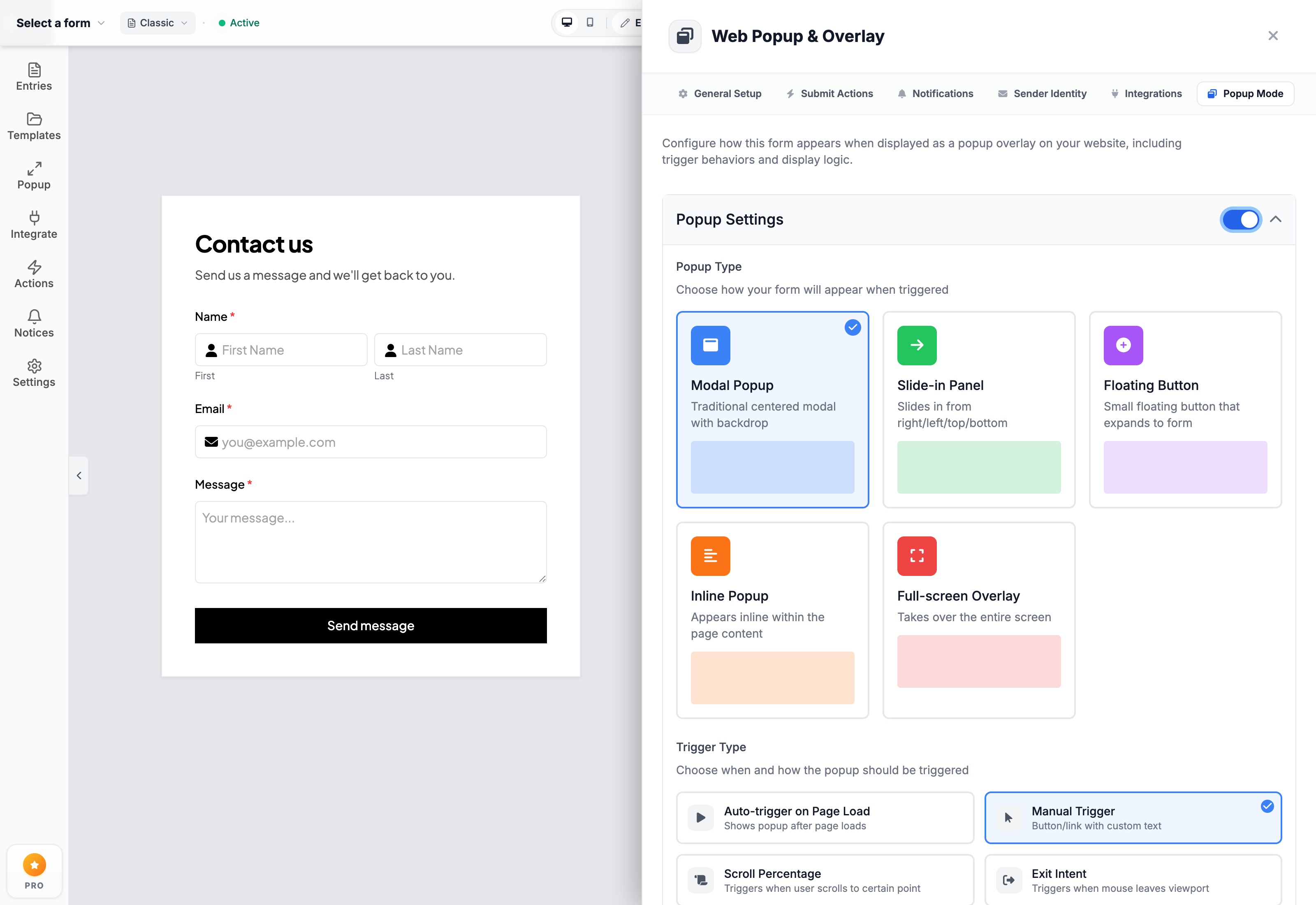
How to Build High-Converting Shopify Popup & Modal Forms (Without Hurting PageSpeed)
Engage departing shoppers and capture leads at peak intent without slowing down your Shopify store. Step-by-step trigger, delay & scroll percentage setup.
 E-commerce Growth
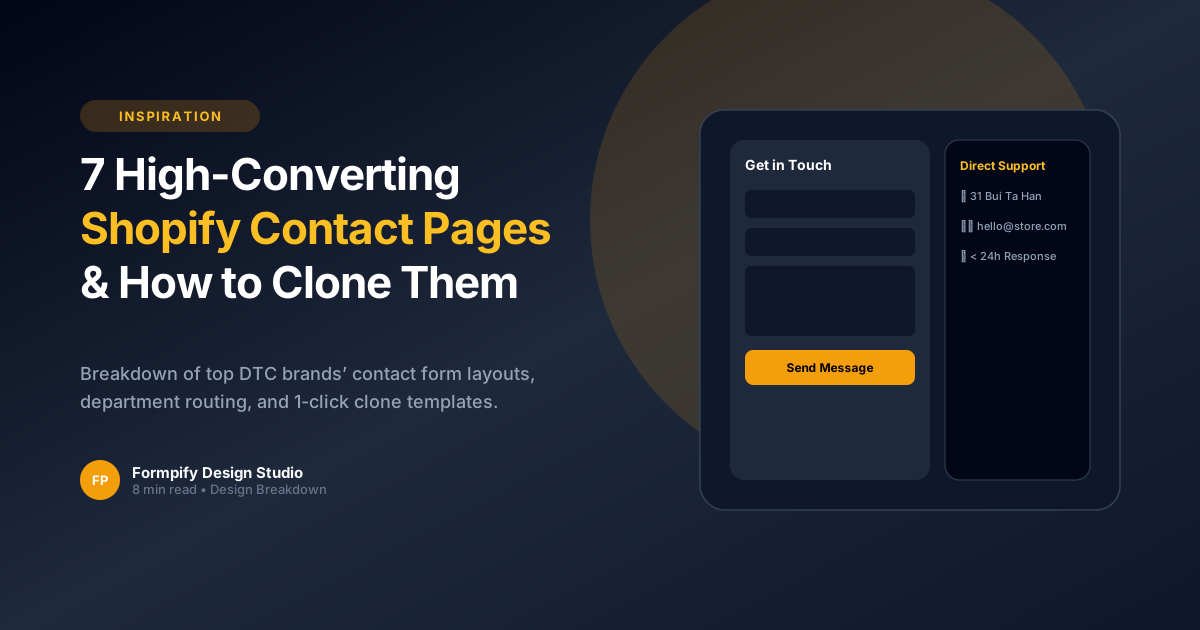
7 High-Converting Shopify Contact Us Page Examples (& How to Recreate Them)
Analyze the contact page layouts of top-performing e-commerce brands. Recreate their responsive 2-column grids and department routing in 1 click.
 E-commerce Growth
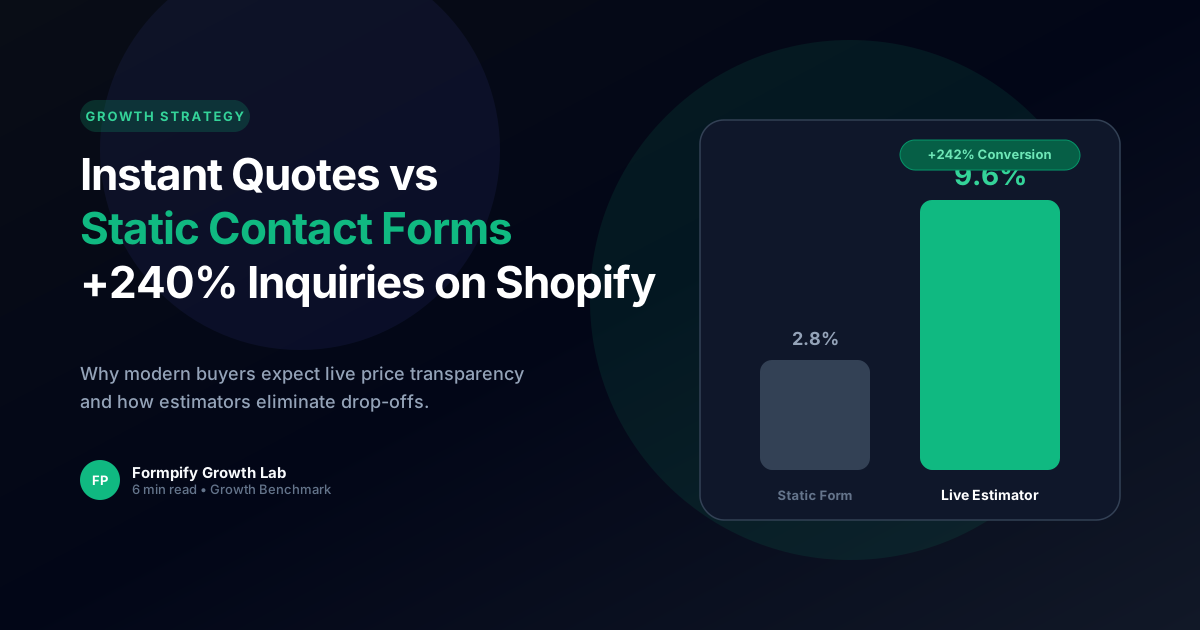
Instant Quotes vs Contact Us: How Dynamic Estimators Boost Shopify Inquiries by 240%
Detailed analysis of consumer purchasing psychology: why price transparency converts more high-value inquiries than generic contact forms.
Ready to supercharge your Shopify forms?
Join thousands of merchants creating custom forms, surveys, and live cost calculators.