
How to Build a Service & Consultation Booking Form with Real-Time Timeslots and Capacity Limits in Shopify
Selling services, consultations, or studio appointments on Shopify often forces brands to use clunky third-party calendars or expensive booking plugins. Discover how Formpify real-time timeslot engine delivers atomic capacity controls, custom availability rules, and seamless customer checkout integration.
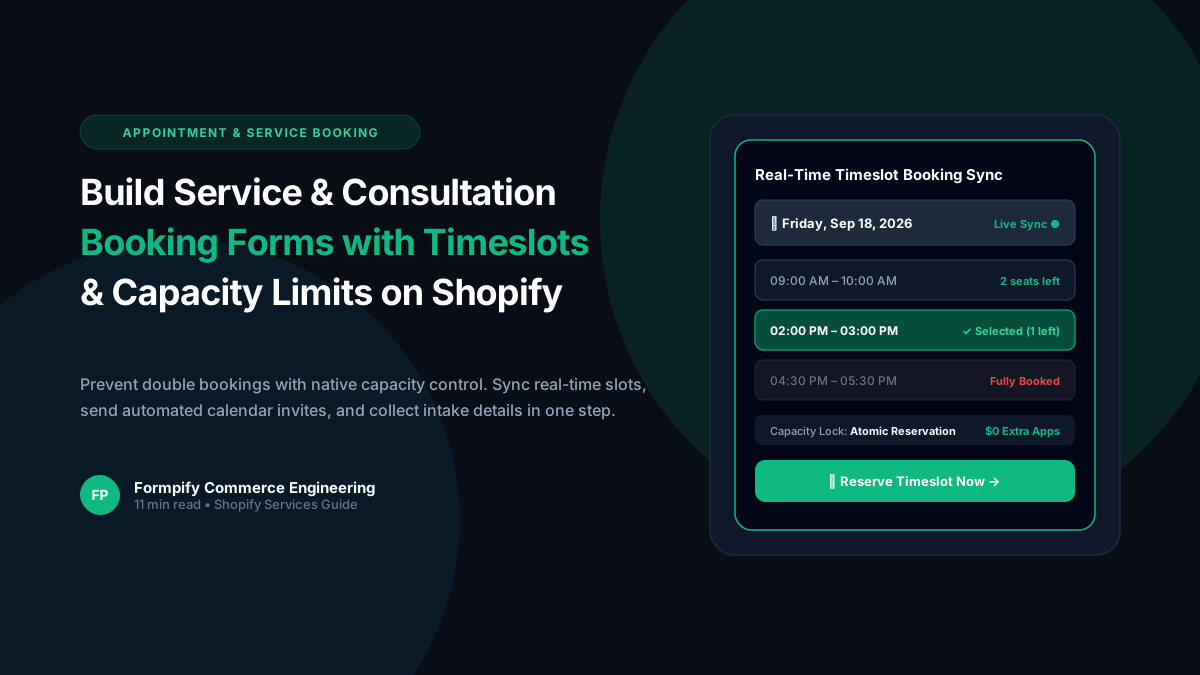
- Standard Shopify contact forms lack dynamic date selection and live availability queries, resulting in double-bookings and hours of manual email back-and-forth.
- Formpify real-time booking engine dynamically queries available timeslots via api.formpify.com/api/booking/available-slots with millisecond caching.
- Merchants can configure strict per-slot capacity limits (e.g. 1-on-1 private appointments vs 10-person group masterclasses) that automatically grey out full slots.
- Atomic reservation locking prevents concurrency race conditions during high-volume appointment drops or flash consultation releases.
- Seamless integration with Shopify Draft Orders and checkout allows stores to collect upfront deposits or full consulting fees at the exact moment of appointment selection.
Table of Contents
- →1. Why Standard Shopify Stores Struggle with Service Appointments
- →2. The Formpify Booking Architecture: Real-Time Dynamic Slots
- →3. Atomic Capacity Control & Per-Slot Reservation Locks
- →4. Step-by-Step: Setting Up Consultation Booking in 4 Steps
- →5. Monetizing Bookings: Paid Deposits & Shopify Checkout Integration
- →6. Real-World Use Cases: Consultations, Fitting Rooms & Workshop Classes
As hybrid commerce continues to dominate retail, modern Shopify merchants are increasingly expanding beyond physical goods into scheduled services: bespoke styling sessions, virtual bridal consultations, equipment maintenance, and hands-on workshop classes. However, integrating booking calendars into Shopify has historically meant juggling expensive external widgets like Calendly or Acuity that redirect customers off-site, lose tracking pixels, and charge $20 to $50 per staff member per month. Formpify v2.2.0 introduces a native real-time timeslot scheduling engine built directly into your storefront forms.
1. Why Standard Shopify Stores Struggle with Service Appointments
When merchants attempt to manage appointments using basic contact forms or generic date pickers, three fatal operational bottlenecks occur:
- Chronic Double-Bookings: Static date pickers have no awareness of existing commitments. Multiple clients can easily select Friday at 2:00 PM, forcing your team into embarrassing apologies and manual rescheduling.
- No Capacity Differentiation: High-touch services (like bespoke tailoring) require single-client exclusive booking, whereas group classes require multi-seat capacity tracking. Generic form apps cannot enforce dynamic seat availability per window.
- Disconnected Monetization: If you charge for consultations, standard forms cannot bridge the gap between time selection and Shopify checkout, forcing you to manually invoice clients via PayPal or Stripe after the fact.
Formpify solves this natively by pairing a responsive date picker with an asynchronous live timeslot query engine (/api/booking/available-slots). Slots update dynamically, visually indicating exact remaining seats and automatically locking out booked intervals.
2. The Formpify Booking Architecture: Real-Time Dynamic Slots
Formpify handles scheduling through an optimized serverless synchronization architecture:
- Dynamic Date Listener: When a customer selects a date on the calendar, the Formpify storefront embed issues a lightweight GET request to
https://api.formpify.com/api/booking/available-slots?date=YYYY-MM-DD. - Availability Computation: The backend computes the business operating hours, excludes merchant-defined blackout dates, tallies existing reservations for that specific date, and calculates remaining capacity for each window.
- Real-Time DOM Render: Timeslots render instantaneously as clickable pill buttons. Slots with remaining capacity display clear badges (e.g. 2 seats left), while exhausted slots are disabled with clear Fully Booked visual states.
3. Atomic Capacity Control & Per-Slot Reservation Locks
To prevent race conditions during high-demand booking drops (such as seasonal bridal fitting slots or limited artisan workshops), Formpify employs atomic reservation locks:
// Example Response from Formpify Live Booking API
{
  "date": "2026-09-18",
  "slots": [
    { "time": "09:00 AM - 10:00 AM", "capacity": 2, "booked": 0, "available": true },
    { "time": "11:00 AM - 12:00 PM", "capacity": 2, "booked": 2, "available": false },
    { "time": "02:00 PM - 03:00 PM", "capacity": 3, "booked": 2, "available": true },
    { "time": "04:30 PM - 05:30 PM", "capacity": 1, "booked": 0, "available": true }
  ]
}
Upon form submission, the backend locks the capacity seat atomically in the database. If two users click submit at the exact same millisecond, the first request is confirmed while the second is gracefully prompted to choose the next open timeslot.
4. Step-by-Step: Setting Up Consultation Booking in 4 Steps
You can configure and deploy a fully automated booking flow in minutes:
- Step 1 — Add Date & Timeslot Fields: Drag the Date field and Timeslot field into your form canvas. Configure your operating days (e.g. Monday–Friday) and daily appointment windows.
- Step 2 — Set Capacity Rules: Choose between Single Booking (1 attendee per slot) or Group Session (set custom attendee limits, e.g. 6 participants per cooking class).
- Step 3 — Configure Intake Questions: Collect essential prep details beforehand (e.g. client goals, file attachments, project dimensions, Zoom vs in-person preference).
- Step 4 — Automated Calendar Dispatches: Enable automated notifications. Formpify generates and attaches standard iCalendar (.ics) invites to both client confirmation emails and staff dispatch notifications.
5. Monetizing Bookings: Paid Deposits & Shopify Checkout Integration
For paid consultations, Formpify seamlessly connects timeslot reservations with Shopify transactions:
- Product Variant Binding: Link the booking form to a dedicated Shopify service product (e.g. 1-Hour VIP Interior Design Consultation — $150.00).
- Custom Cart Line Item Properties: The chosen date and timeslot window are automatically mapped into the Shopify order line item properties (e.g.
Appointment Date: Sep 18, 2026,Time: 2:00 PM EST). - B2B & Draft Order Invoicing: For corporate engagements, route the booking through Formpify Draft Order engine with Net 30 payment terms, generating an official commercial invoice upon booking.
6. Real-World Use Cases: Consultations, Fitting Rooms & Workshop Classes
💎 Luxury & Bridal
VIP private showroom appointments. Single capacity per slot with customer intake questions on wedding dates and dress silhouettes.
🔨 Home Services
On-site measurement and contractor estimates. Incorporates address validation and photo upload fields for site blueprints.
🎨 Studios & Workshops
Pottery, baking, and craft classes. Group capacity of 12 seats per session with real-time countdown of remaining spots.
Eliminate third-party calendar subscriptions and start booking high-margin client sessions directly on your Shopify storefront today with Formpify.
Service & Appointment Booking Forms
Schedule consultations, showroom visits, and classes with live real-time timeslots, strict per-slot capacity limits, and zero double-bookings.
Explore More Shopify Form Guides
 Tutorials
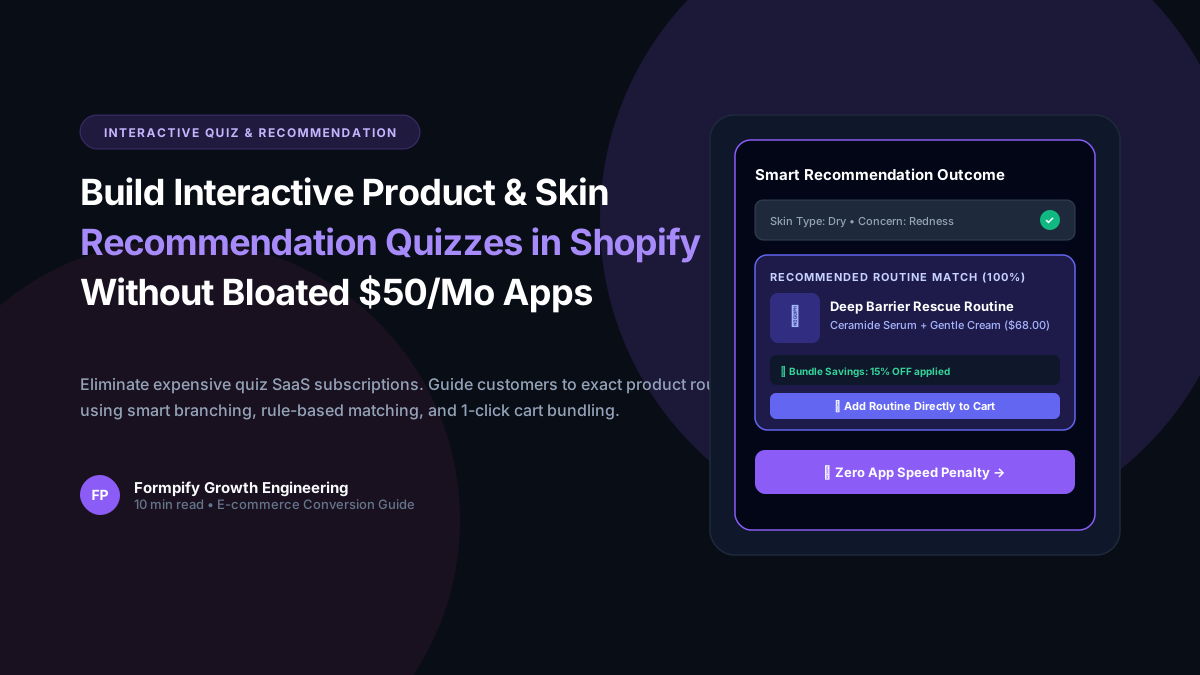
How to Build an Interactive Product Recommendation & Skincare/Size Quiz in Shopify (Without Bloated $50/mo Quiz Apps)
Traditional Shopify quiz apps charge $50–$300/month while injecting heavy scripts that devastate storefront performance. Learn how Formpify native Quiz Engine enables merchants to build custom recommendation quizzes with zero speed penalty, smart conditional branching, and instant 1-click AJAX cart bundling.
 Tutorials
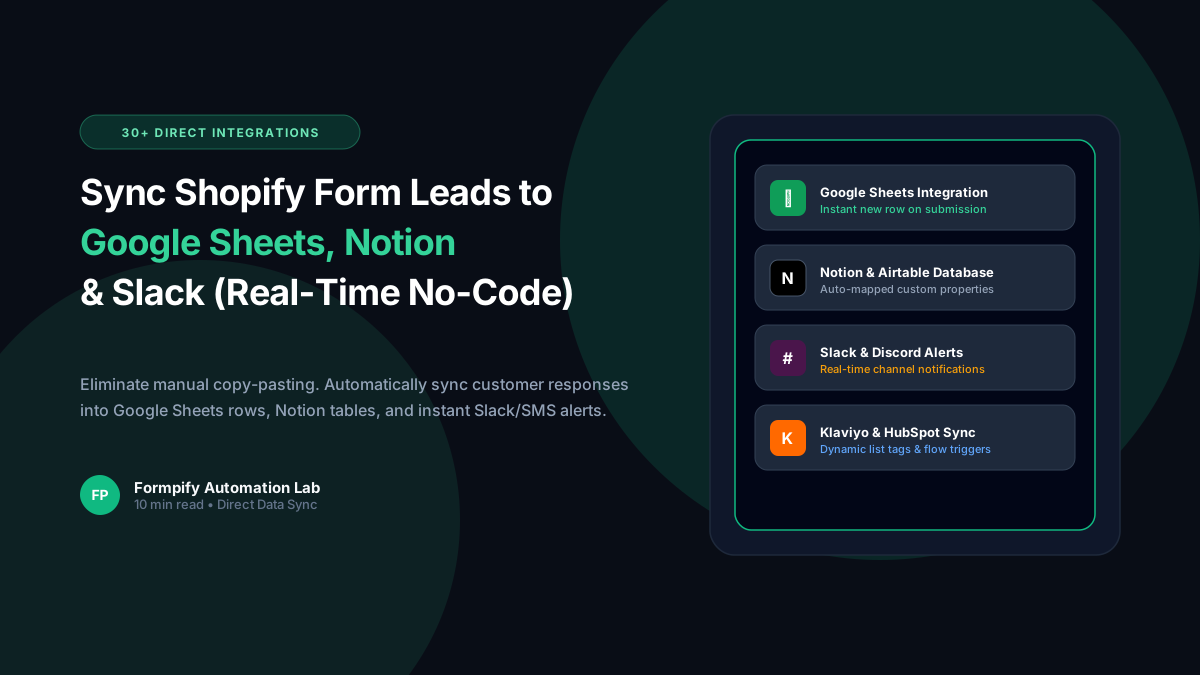
How to Sync Shopify Forms to Google Sheets, Notion, Slack & Twilio SMS (Zero Webhooks Needed)
Tired of paying $30/month for third-party webhook aggregators just to pass Shopify form leads into your spreadsheets and team channels? Learn how Formpify provides native, real-time synchronization to Google Sheets, Notion, Slack, and Twilio SMS with zero middleman software.
 Tutorials
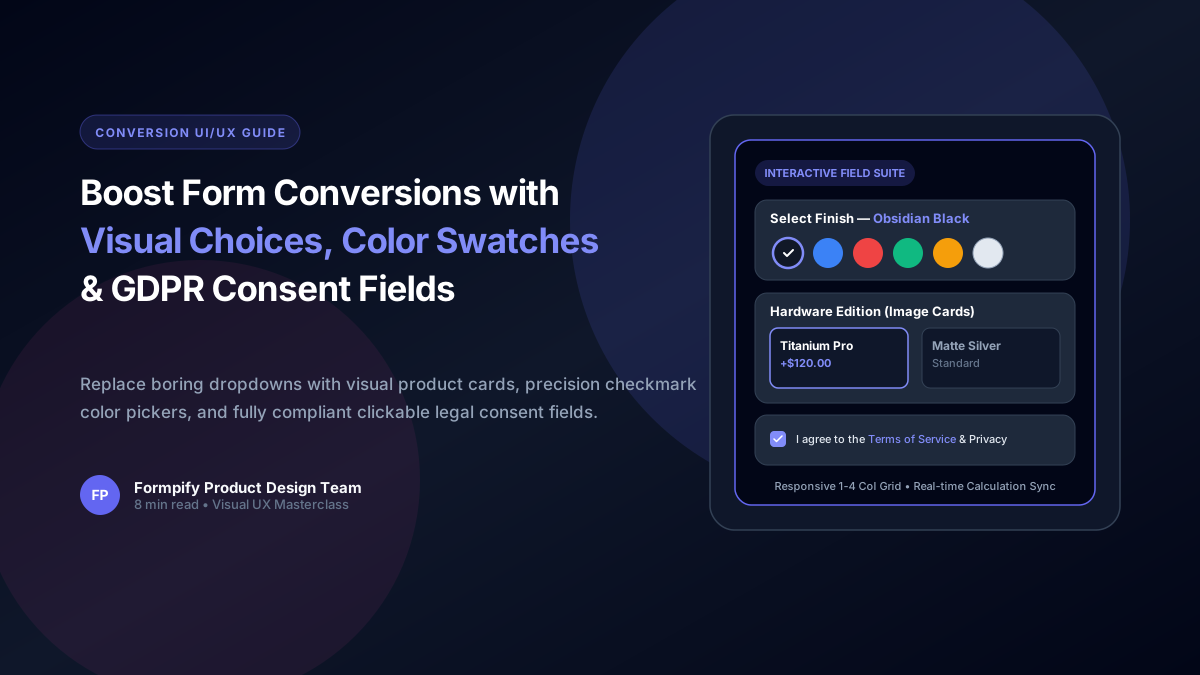
Boost Shopify Form Conversions with Visual Image Choices, Color Swatches & GDPR Consent Fields
Shoppers process visual cards 60,000x faster than plain text. Learn how to configure Picture Choice image grids, dynamic Color Swatches with addon pricing, and compliant Consent fields in Formpify.
Ready to supercharge your Shopify forms?
Join thousands of merchants creating custom forms, surveys, and live cost calculators.