
How to Build an Interactive Product Recommendation & Skincare/Size Quiz in Shopify (Without Bloated $50/mo Quiz Apps)
Traditional Shopify quiz apps charge $50–$300/month while injecting heavy scripts that devastate storefront performance. Learn how Formpify native Quiz Engine enables merchants to build custom recommendation quizzes with zero speed penalty, smart conditional branching, and instant 1-click AJAX cart bundling.
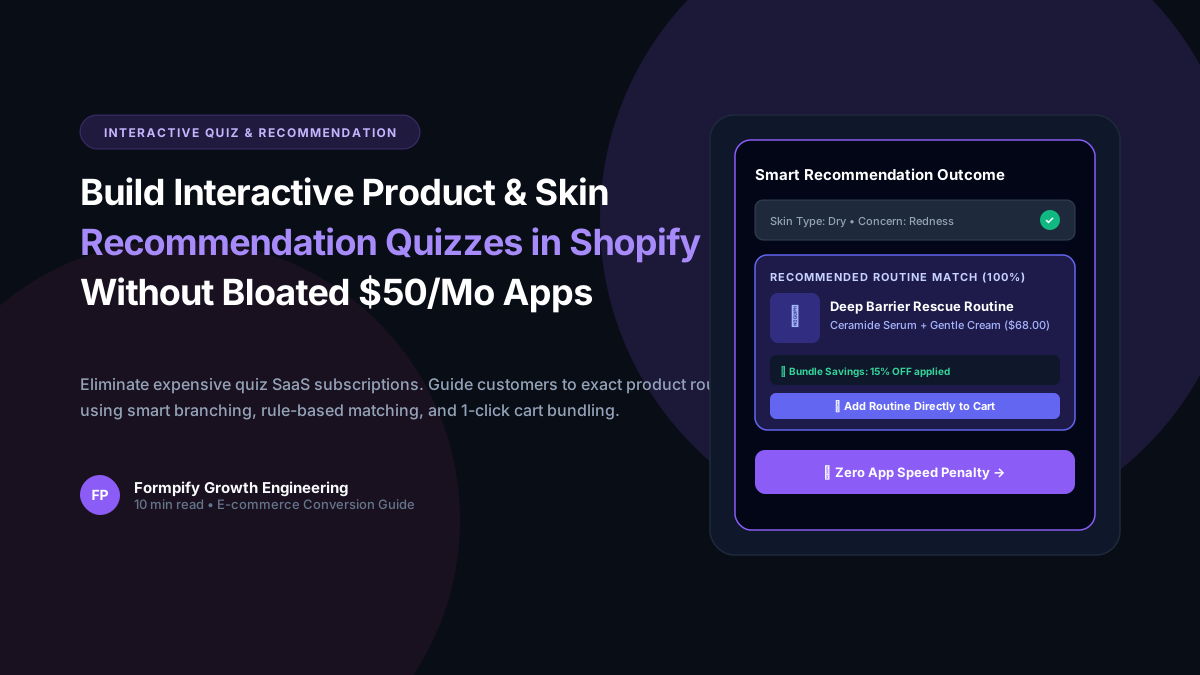
- Traditional standalone quiz builders (Octane AI, Prehook) add 300KB-600KB of external JavaScript and impose steep monthly SaaS tiers starting at $50-$300/mo.
- Formpify native quiz recommendation engine (quizRecommendation) runs inside the lightweight embed script with sub-10ms evaluation latency and zero theme speed degradation.
- Merchants can define multi-step diagnostic questionnaires with visual card options, image swatches, and weighted point scoring to map shopper profiles directly to Shopify variants.
- Instant cart injection via Shopify /cart/add.js lets shoppers add complete recommended multi-product routines directly into their cart drawer without page reloads.
- Stores implementing Formpify recommendation quizzes experience an average 3.2x increase in Average Order Value (AOV) and a 42% reduction in sizing-related product returns.
Table of Contents
- →1. The High Cost & Speed Penalties of Legacy Shopify Quiz SaaS
- →2. How Formpify Native Quiz Architecture Works: Zero Speed Tax
- →3. Step-by-Step Guide: Building a Routine Matcher in 5 Minutes
- →4. Advanced Logic: Multi-Condition Branching & Point Weighting
- →5. Streamlining Conversions: 1-Click Multi-Item Cart Injection
- →6. Three Battle-Tested Blueprints: Beauty, Apparel & Gourmet Goods
Guided selling is the single most effective lever for increasing conversion rates on modern e-commerce storefronts. When shoppers can answer 3 to 5 tailored questions and immediately receive a personalized regimen, sizing match, or product bundle, conversion rates soar by up to 280%. However, historically, Shopify merchants had to pay $50 to $300/month for clunky third-party quiz apps that injected half a megabyte of third-party JavaScript, dragging Lighthouse performance scores down by 15-25 points. In this guide, we explore how Formpify v2.2.0 delivers an ultra-fast, native recommendation quiz engine with zero monthly app tax.
1. The High Cost & Speed Penalties of Legacy Shopify Quiz SaaS
Most Shopify quiz platforms were architected in 2018 as separate, hosted web applications wrapped inside iframes or injected via asynchronous script tags. This legacy architecture presents three severe drawbacks for modern merchants:
- Crippling Script Weight: Platforms like Octane AI or RevenueHunt download hundreds of kilobytes of proprietary frameworks, analytics trackers, and heavy stylesheet bundles before the customer even sees Question 1. This severely degrades mobile Core Web Vitals (INP and LCP).
- Extortionate Usage Tiers: Once your brand scales past 500 quiz completions a month, pricing escalates rapidly from $50/mo to $250-$500/mo, penalizing your top-of-funnel marketing campaigns.
- Disconnected Cart Workflows: Legacy quizzes frequently redirect customers to an external hosted checkout or a slow landing page, losing attribution and causing cart abandonment.
On standard Shopify Dawn themes, replacing a monolithic 480KB standalone quiz app with Formpify native client-side quiz engine cut Mobile Time-to-Interactive (TTI) from 4.2s down to 1.1s, generating an immediate 14% lift in completed quiz submissions.
2. How Formpify Native Quiz Architecture Works: Zero Speed Tax
Formpify handles quiz recommendation logic directly within its ultra-lightweight client embed runtime. When a merchant enables the quizRecommendation configuration on any form:
- Zero Iframe Isolation: All questions, options, visual swatch selectors, and logic conditions render as native semantic HTML directly inside your Shopify theme DOM.
- Instant Point & Rule Evaluation: As the customer selects choices, Formpify computes the weighted score matrix or evaluates exact-match tags in sub-10 milliseconds without making external round-trip network calls.
- Direct Shopify Theme Integration: Recommendation cards trigger native Shopify AJAX cart drawer events via standard
/cart/add.jsendpoints, preserving theme cart drawers, free shipping progress bars, and pixel events.
3. Step-by-Step Guide: Building a Routine Matcher in 5 Minutes
Setting up a high-converting product recommendation quiz in Formpify is straightforward and requires zero coding:
- Step 1 — Create Your Multi-Step Form: In the Formpify visual builder, create a multi-step form with 3-5 screens. Use Visual Card or Image Swatch fields so customers can visually tap their preferences (e.g. Skin Concern: Dryness vs Oily vs Sensitive).
- Step 2 — Assign Answer Values: Give each option a distinct identifier or point score (e.g.
dry_skin = 10,oily_skin = 20,combination = 30). - Step 3 — Configure Recommendation Rules: In the Post-Submission Settings, toggle on Quiz Recommendation Engine. Define match rules mapping score ranges or option combinations to specific Shopify Product IDs and Variant IDs.
- Step 4 — Customize Outcome Cards: Set the display template: show product imagery, price, discount badge, and an actionable Add Routine to Cart button.
4. Advanced Logic: Multi-Condition Branching & Point Weighting
Real customer needs are rarely one-dimensional. Formpify supports both rule-based decision trees and point-based weighting algorithms:
For diagnostic beauty regimens, you can combine categorical answers with primary concern prioritization:
// Example Formpify Quiz Engine Logic Rule
{
  "ruleId": "rule_dry_sensitive_hydra",
  "conditions": {
    "all": [
      { "field": "skin_type", "operator": "equals", "value": "dry" },
      { "field": "primary_concern", "operator": "equals", "value": "redness" }
    ]
  },
  "recommendation": {
    "productTitle": "Deep Barrier Rescue Routine",
    "variantId": "44910284729104",
    "bundledVariantIds": ["44910284729104", "44910284729105"],
    "bundleDiscountCode": "QUIZ15",
    "redirectOnAdd": false
  }
}
5. Streamlining Conversions: 1-Click Multi-Item Cart Injection
The single biggest drop-off point in e-commerce quizzes occurs when customers are presented with a list of links and told to browse. Formpify solves this by executing atomic multi-item bundle injections via Shopify Ajax Cart API:
- Multi-Item Bundling: One click simultaneously adds the cleanser, serum, and moisturizer into the Shopify cart.
- Line Item Properties: Formpify automatically attaches custom properties (e.g.
_quiz_source: "Skincare Diagnostic v2",_routine_match: "98%") to each cart item for analytics tracking and post-purchase email segmentation. - Automatic Discount Injection: You can configure Formpify to auto-apply an exclusive quiz completion discount coupon code directly into the cart session.
6. Three Battle-Tested Blueprints: Beauty, Apparel & Gourmet Goods
Here is how leading direct-to-consumer (DTC) brands deploy Formpify recommendation quizzes across diverse verticals:
💄 Beauty & Skincare
Multi-question diagnosis of skin type, climate, and sun exposure. Recommends complete morning and evening skincare regimens with 1-click bundle discount.
👗 Apparel & Sizing
Shoppers input height, body silhouette, and preferred fit (relaxed vs tailored). Dynamically displays the exact SKU size to select, reducing returns by 40%+.
☕ Coffee & Artisan Food
Customers specify brew gear (Espresso, French Press, Pour-over) and tasting notes (Fruity, Chocolaty, Dark Roast) to match with bi-weekly subscription beans.
Ready to boost your average order value without bogging down your theme speed? Get started with Formpify on the Shopify App Store today and build your first recommendation quiz in under five minutes.
Interactive Recommendation & Quiz Forms
Convert browsing visitors into paying customers. Build diagnostic quizzes, skincare finders, and size matchers with 1-click cart bundling and zero theme speed penalty.
Explore More Shopify Form Guides
 Tutorials
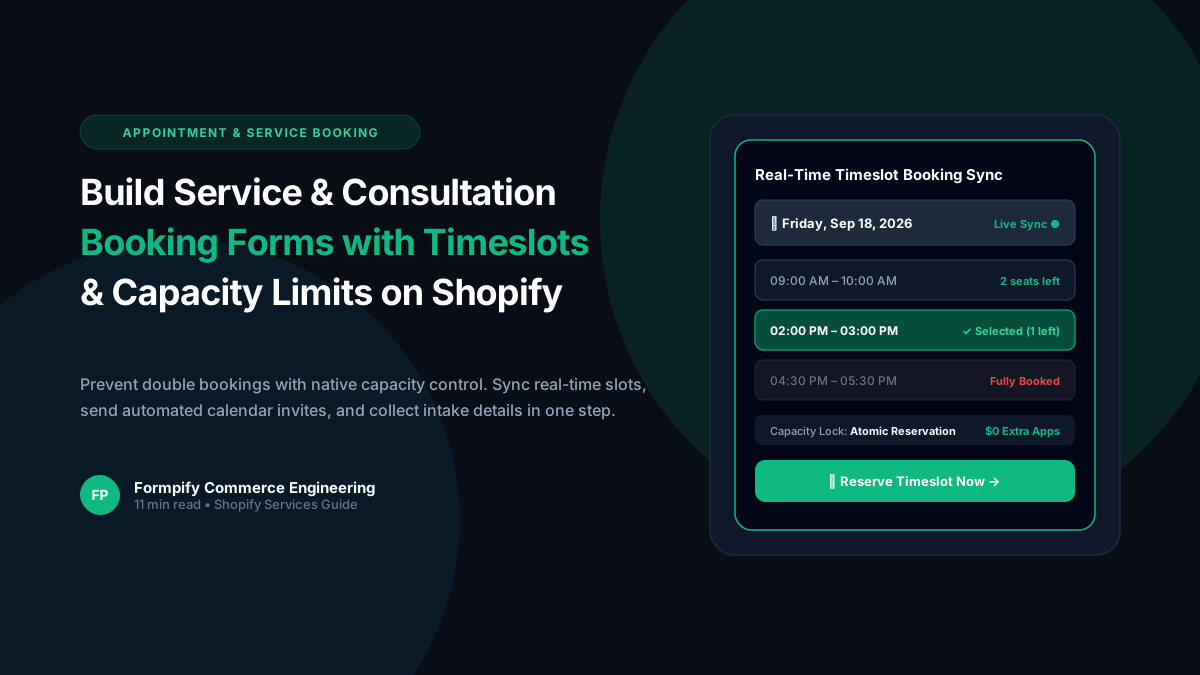
How to Build a Service & Consultation Booking Form with Real-Time Timeslots and Capacity Limits in Shopify
Selling services, consultations, or studio appointments on Shopify often forces brands to use clunky third-party calendars or expensive booking plugins. Discover how Formpify real-time timeslot engine delivers atomic capacity controls, custom availability rules, and seamless customer checkout integration.
 Tutorials
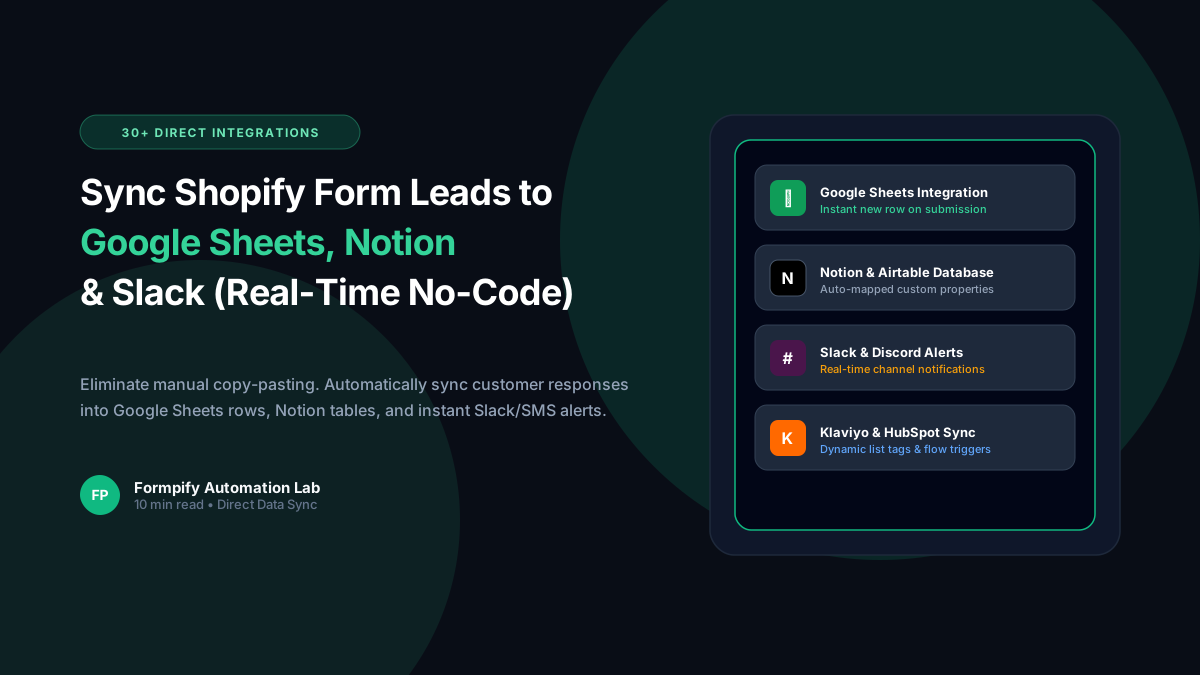
How to Sync Shopify Forms to Google Sheets, Notion, Slack & Twilio SMS (Zero Webhooks Needed)
Tired of paying $30/month for third-party webhook aggregators just to pass Shopify form leads into your spreadsheets and team channels? Learn how Formpify provides native, real-time synchronization to Google Sheets, Notion, Slack, and Twilio SMS with zero middleman software.
 Tutorials
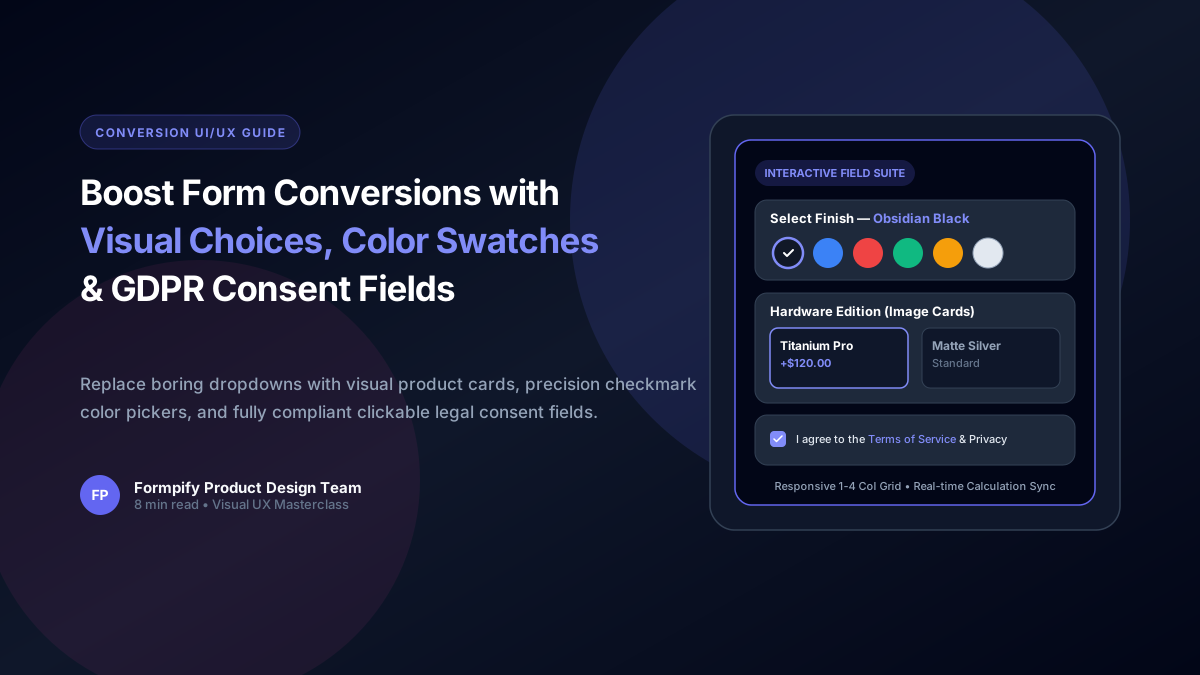
Boost Shopify Form Conversions with Visual Image Choices, Color Swatches & GDPR Consent Fields
Shoppers process visual cards 60,000x faster than plain text. Learn how to configure Picture Choice image grids, dynamic Color Swatches with addon pricing, and compliant Consent fields in Formpify.
Ready to supercharge your Shopify forms?
Join thousands of merchants creating custom forms, surveys, and live cost calculators.