
Building B2B Wholesale Bulk Order Forms on Shopify: Matrix Tables, Repeaters & Net Terms
B2B wholesale buyers hate adding 50 product variants one-by-one. Learn how Formpify's interactive Matrix Tables (InputTable) and dynamic SKU Repeaters let commercial dealers, distributors, and corporate accounts order hundreds of units across sizes and colors in seconds.
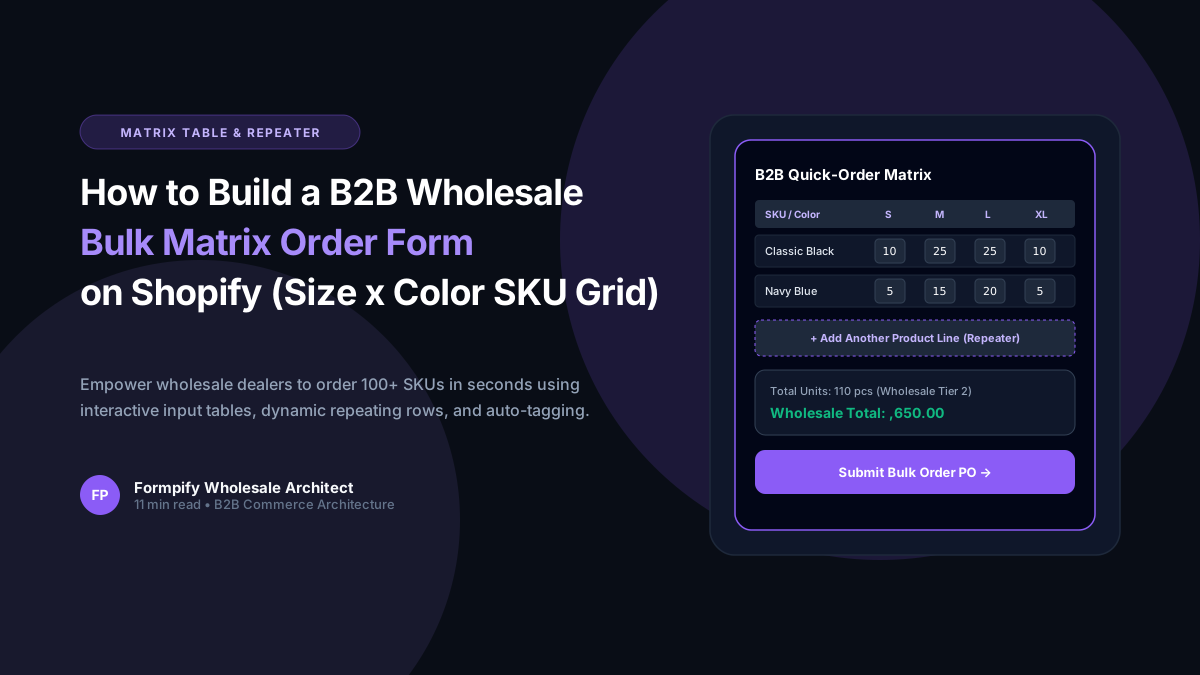
- Traditional B2C product pages force wholesale buyers to click 'Add to Cart' dozens of times, resulting in cart abandonment and frustrating dealer order experiences.
- Formpify's native Input Table (Matrix Grid) organizes product variants into intuitive two-dimensional grids (e.g. Rows = Sizes, Columns = Colors) with individual quantity counters.
- Dynamic SKU Repeater fields allow wholesale customers to add unlimited order lines dynamically, selecting product lines, finishes, and quantities on the fly.
- Live subtotal and bulk quantity calculations update instantly, enforcing Minimum Order Quantities (MOQ) and tier volume discounts before submission.
- Merchants can toggle between One-Click Bulk Add to Cart (injecting 50+ variants simultaneously) or generating B2B Draft Orders with PO Numbers and Net Terms.
- Gated access control restricts wholesale matrix order forms strictly to approved, logged-in corporate accounts tagged as 'wholesale' or 'b2b' in Shopify Admin.
Table of Contents
- →1. The Wholesale Ordering Bottleneck: Why B2C Product Pages Fail B2B Buyers
- →2. Matrix Grid Tables (InputTable): Ordering Across Sizes & Colors in One View
- →3. Dynamic SKU Repeaters: Adding Unlimited Line Items on Demand
- →4. Bulk Add to Cart vs. Draft Orders (PO Numbers & Net-30 Terms)
- →5. Enforcing Minimum Order Quantities (MOQ) & Volume Tier Rules
- →6. Step-by-Step Guide: Setting Up a B2B Matrix Order Form in Formpify
1. The Wholesale Ordering Bottleneck: Why B2C Product Pages Fail B2B Buyers
Wholesale commerce operates on completely different principles than retail direct-to-consumer (D2C) shopping. A retail customer visits your store to purchase one T-shirt or a pair of boots. A wholesale buyer for a boutique retail chain or corporate account visits to purchase 300 units across 5 sizes and 6 colorways.
When forced to use standard Shopify product pages, that B2B buyer must:
- Select "Black", select "Small", enter "10", click "Add to Cart".
- Wait for the page to refresh or drawer cart to open and close.
- Select "Black", select "Medium", enter "25", click "Add to Cart".
- Repeat this agonizing process 30 consecutive times!
Inevitably, frustrated wholesale buyers abandon their carts and email messy Excel spreadsheets or PDF purchase orders, forcing your sales staff to spend hours manually typing orders into Shopify Admin.
⚡ The Formpify B2B Ordering Matrix
With Formpify, merchants replace cumbersome variant click loops with a streamlined, single-screen Matrix Table (InputTable) and Dynamic SKU Repeater. Buyers enter quantities across all variants in a clean grid and add everything to cart in a single click.
2. Matrix Grid Tables (InputTable): Ordering Across Sizes & Colors in One View
Formpify's native Input Table component creates a high-density, ergonomic ordering matrix designed specifically for apparel, footwear, equipment, and wholesale merchandise:
| Product Variant (Size) | Black ($18.00) | Navy ($18.00) | Heather Gray ($18.00) | White ($18.00) | Row Total |
|---|---|---|---|---|---|
| Small (S) | 35 units | ||||
| Medium (M) | 85 units | ||||
| Large (L) | 100 units | ||||
| Extra Large (XL) | 50 units | ||||
| Total Summary: | 270 Total Units Across 16 SKU Combinations | $4,860.00 | |||
3. Dynamic SKU Repeaters: Adding Unlimited Line Items on Demand
For catalog wholesalers carrying hundreds of distinct product lines, the Repeater Field allows commercial clients to build their own multi-product order sheet line-by-line:
- Add Row Button: The buyer clicks
+ Add Another Productto spawn a fresh row with dropdown SKU search, unit pricing, and quantity counter. - Automatic Line Subtotals: Each row calculates line total dynamically (
Price × Quantity). - Dynamic Deletion: Fast removal of line items with instant subtraction from the master order total.
4. Bulk Add to Cart vs. Draft Orders (PO Numbers & Net-30 Terms)
B2B commercial transactions require payment flexibility. Formpify supports both primary wholesale checkout models:
Model A: One-Click Bulk Add to Cart
When the buyer clicks "Add All to Cart", Formpify invokes the Shopify AJAX Cart API, injecting all selected variants and quantities simultaneously. The buyer proceeds directly to credit card or Shopify Payments checkout.
Model B: B2B Draft Order Creation
For Net-30, Net-60, or Bank Wire customers, Formpify automatically creates an official Shopify Draft Order containing the buyer's Purchase Order (PO) Number, applied trade discounts, and tax exemption notes, sending an invoice link.
5. Enforcing Minimum Order Quantities (MOQ) & Volume Tier Rules
Prevent wholesale accounts from placing retail-sized micro orders using Formpify's built-in validation rules:
- Total Order Unit MOQ: Enforce that the grand total quantity across the entire matrix table must be at least 50 units before the submit button unlocks.
- Case Pack Multiples: Enforce that individual variant quantities must be entered in case pack multiples (e.g. increments of 6 or 12).
- Minimum Dollar Value Threshold: Require orders to exceed $1,000 to qualify for free freight shipping or trade discounts.
6. Step-by-Step Guide: Setting Up a B2B Matrix Order Form in Formpify
- Launch Form Builder: In Shopify Admin, open Apps > Formpify Form Builder and select New Form > B2B Wholesale Order Form.
- Add the Input Table Field: Drag the Input Table onto the canvas. Define your rows (e.g. Sizes: S, M, L, XL) and columns (e.g. Colors: Black, Navy, Gray, White).
- Set Column Types to Number: Configure each column as numeric quantity inputs with minimum
0and default0. - Link Variant SKUs: Assign corresponding Shopify variant IDs or SKUs to each cell for automatic inventory tracking.
- Configure Order Action: Select Bulk Add to Cart or Generate Shopify Draft Order based on your payment terms.
- Gate Behind Customer Login: Toggle Require Login to ensure only registered B2B dealers tagged with
wholesalecan access the wholesale pricing matrix.
Empower your wholesale clients with the fast, professional ordering experience they expect while saving your team dozens of hours of manual order entry every week.
Streamline B2B wholesale ordering with matrix tables & repeaters
Empower corporate accounts to order hundreds of units across variants in seconds with native matrix grids.
Explore More Shopify Form Guides
 B2B Strategies
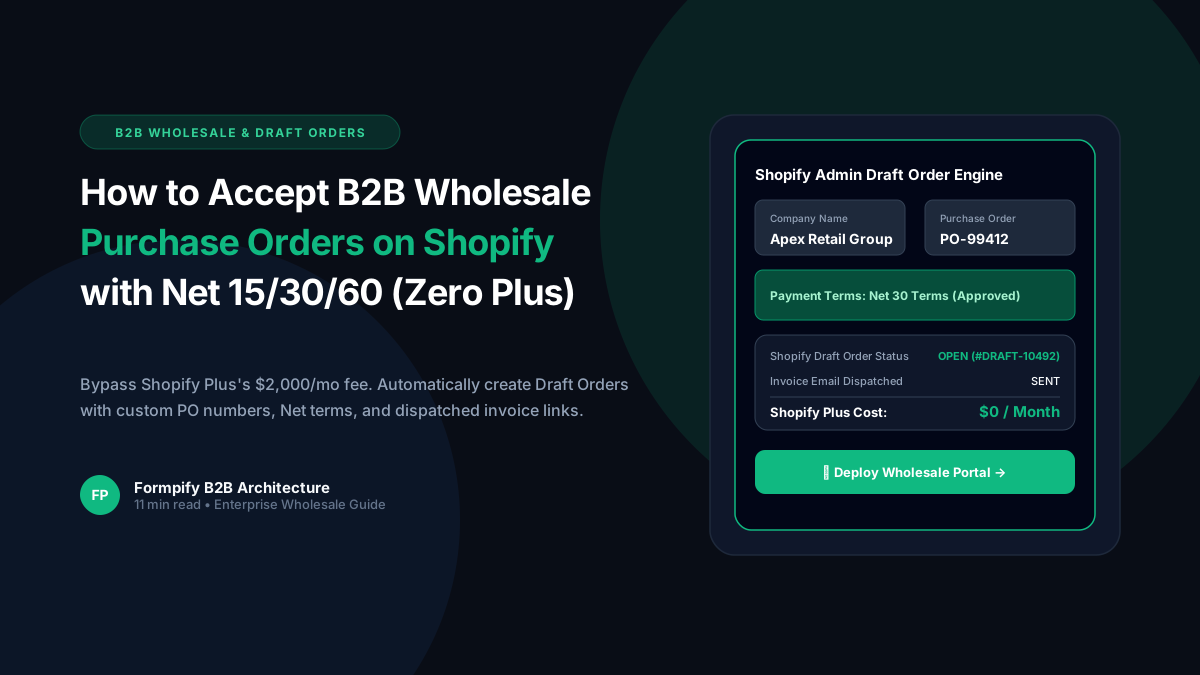
How to Accept B2B Wholesale Purchase Orders with Net 15/30/60 Payment Terms in Shopify (Zero Plus Plan Required)
Shopify Plus locks native B2B wholesale features behind a steep $2,000/month plan. Discover how Formpify enables independent merchants on any Shopify tier to accept wholesale purchase orders, enforce Net 15/30/60 payment terms, map custom PO numbers, and generate native Shopify Admin Draft Orders automatically upon submission.
 B2B Strategies
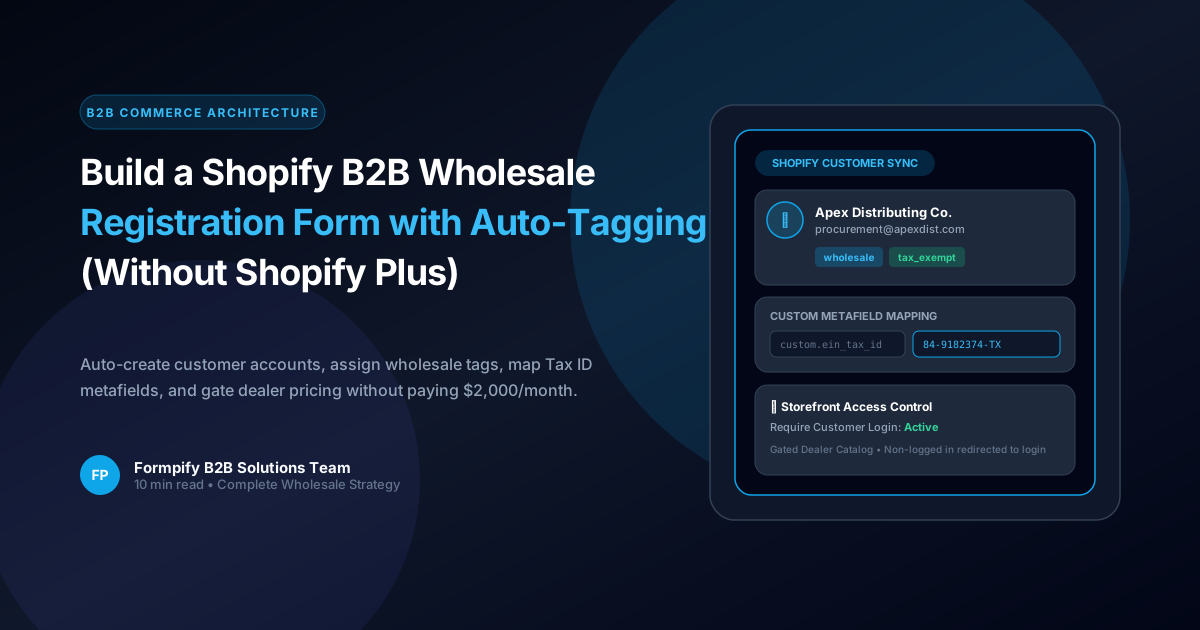
How to Build a Shopify B2B Wholesale Registration Form with Customer Auto-Tagging (Without Shopify Plus)
Shopify Plus charges $2,000/month for native B2B company profiles. Discover how Formpify allows growing merchants to build automated B2B wholesale registration forms with instant customer account creation, automatic tagging, tax-exempt metafield mapping, and gated catalog access.
 B2B Strategies
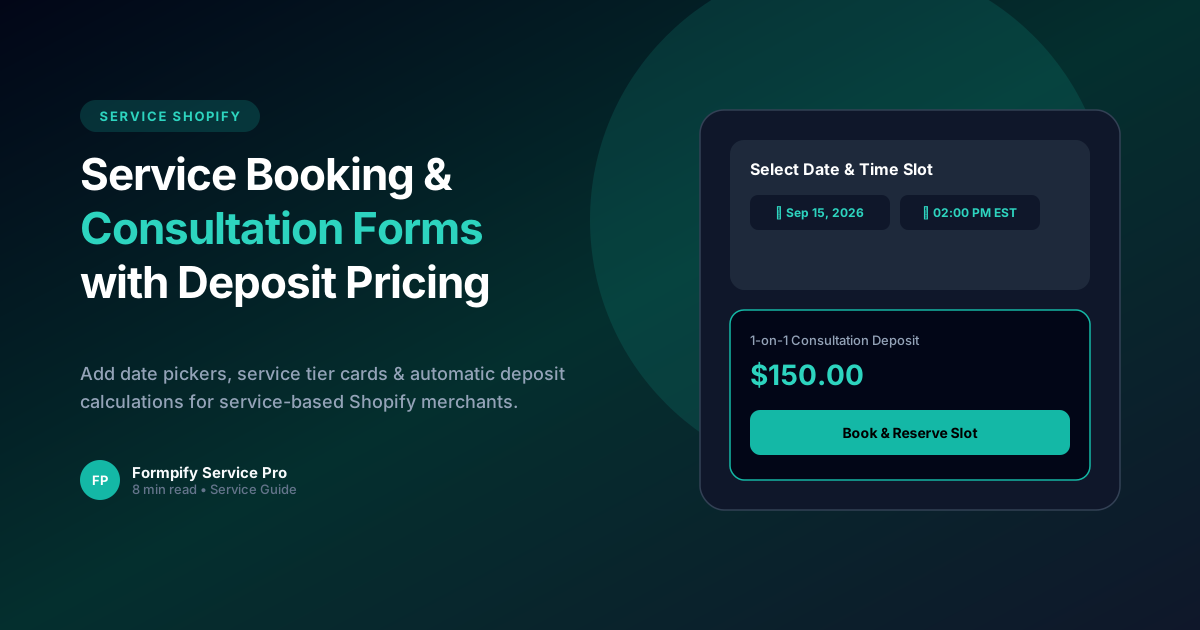
Building a Service & Consultation Booking Form with Live Deposit Pricing on Shopify
Empower service-based Shopify merchants with date & time selection, custom service questionnaires, and instant deposit calculations.
Ready to supercharge your Shopify forms?
Join thousands of merchants creating custom forms, surveys, and live cost calculators.