
How to Create Shopify Forms with Conditional Logic & Dynamic Branching (2026 Guide)
Eliminate form abandonment and streamline customer intake by revealing fields dynamically based on user selections. Zero-code IF/THEN branching for Shopify.

- Conditional logic employs progressive disclosure to reduce initial form friction by up to 68%.
- Formpify’s visual logic drawer supports AND/OR matching across Radio, Checkboxes, Dropdowns, and Switch toggles.
- Required field validation automatically suspends on conditionally hidden fields to eliminate phantom blockages.
- Branching data seamlessly passes into Shopify Customer tags, Klaviyo segments, and HubSpot CRM pipelines.
Table of Contents
1. The Conversion Friction Problem: Why Static Forms Fail
For high-converting Shopify stores, lead generation and quote requests are the lifeblood of high-ticket sales, wholesale dealer recruitment, and custom product configuration. Yet, many merchants inadvertently sabotage their conversion funnel with lengthy, rigid static forms.
When a prospective client visits your custom order or inquiry page and encounters 12 to 18 input fields simultaneously, cognitive friction peaks. Asking retail shoppers for tax resale certificates, or asking basic contact inquiries for complex technical API requirements, alienates users before they type a single character.
Conversion research consistently proves that every extraneous question reduces form completion rates. By implementing dynamic conditional logic and branching forms, you leverage progressive disclosure: presenting customers with only two or three initial qualifying questions and dynamically revealing specialized downstream fields based strictly on their choices.
The Progressive Disclosure Advantage
Forms utilizing conditional branching achieve up to 68% higher completion rates compared to monolithic static forms. Visitors perceive adaptive forms as tailored personal consultations rather than tedious paperwork.
2. The Anatomy of Conditional Logic: Triggers, Operators & Actions
Conditional logic in Formpify operates via an intuitive Trigger → Condition → Action evaluation framework executed in real time on the client browser with zero latency:
- Triggers (Source Inputs): Any selectable or numeric field—including Card-style Radio buttons, Select dropdowns, Feature Checkboxes, Switch toggles, and Text inputs—can initiate a branching event.
- Operators: Precise evaluation criteria such as
is,is not,contains,greater than,less than,starts with, andends with. - Logic Matching: Choose between All (AND)—where every condition must be met—or Any (OR)—where any individual condition triggers field visibility.
- Actions: Dynamically Show or Hide downstream form inputs, high-resolution file upload zones, multi-column grid cards, or specialized static notes.
3. Step-by-Step: Configuring Logic Rules in Formpify
Formpify provides a dedicated visual drawer that makes configuring complex branching rules as simple as clicking a dropdown. Follow these steps:
- Create or Select Your Form: Inside the Formpify app in Shopify Admin, open your form in the Visual Drag-and-Drop Builder.
- Place Your Qualifying Trigger: Add a Radio Buttons or Dropdown field (e.g.
Primary Project Scope) with distinct options (e.g. Shopify Custom Theme, Custom App Integration, Enterprise B2B Portal). - Add the Downstream Field: Drag in the field you wish to conditionally display, such as a Textarea for
Technical Architecture & API Specificationsor a File Upload dropzone for wireframes. - Open the Conditional Logic Drawer: Click the downstream field on the canvas. In the right-hand sidebar under Advanced, click the Conditional Logic toggle to slide out the 600px configuration drawer.
- Define the Evaluation Rule: Toggle Enable Conditional Logic to ON. Set Show this field if All of the following match. Select trigger field
Project Scope, operatoris, and valueCustom App Integration. - Preview & Verify: Switch to the Preview tab in the builder header. Toggle between project scopes: observe the technical specifications field appear and disappear instantly.
⚡ Pro Tip: Intelligent Dynamic Validation
Formpify automatically suspends required field constraints on conditionally hidden inputs. If a client selects a path where a mandatory field is hidden, they will never encounter confusing “Field is required” validation errors upon submission.
4. 4 High-Converting Dynamic Branching Playbooks for Shopify
Leading Shopify merchants employ conditional logic to solve common operational and intake challenges:
- B2B Wholesale vs Retail Split: Use a single contact form where selecting “Wholesale Distributor” dynamically reveals Business Name, Tax EIN, and Resale Certificate PDF upload, while tagging the customer as
wholesale-leadin Shopify Admin. - Custom Print-on-Demand Specifications: Selecting “I have print-ready artwork” opens vector upload dropzones (AI, PSD, PDF, SVG), while selecting “I need graphic design assistance” reveals branding questionnaire fields and design fees.
- Warranty & Returns Triage: Selecting “Item Damaged in Transit” prompts for Carrier Tracking Number and photo proof of packaging damage, while “Exchange Request” prompts for replacement SKU and size selections.
- Service Radius Verification: Entering an eligible postal code displays interactive booking calendar selectors, while out-of-area postal codes politely route users to remote consultation options.
5. Technical Best Practices: Performance & Zero-Jitter UI
To ensure a flawless storefront experience that converts on mobile and desktop alike:
- Zero-Latency Evaluation: Formpify evaluates conditional rules locally in the client runtime in under 5 milliseconds—eliminating awkward server loading spinners.
- Smooth Height Transitions: Dynamic field containers animate smoothly to prevent abrupt layout jumping (Cumulative Layout Shift) that hurts Google Core Web Vitals.
- Theme Style Inheritance: All conditionally revealed inputs, card borders, and tooltips naturally inherit your active Shopify theme’s typography and color palette.
- CRM & Flow Automation: Branching selections pass directly into Formpify submission payloads, enabling targeted workflows in Klaviyo, Omnisend, and Shopify Flow based on customer responses.
Build Smart Conditional Forms
Explore Formpify’s native Conditional Logic engine with visual IF/THEN rule building.
Explore More Shopify Form Guides
 Tutorials
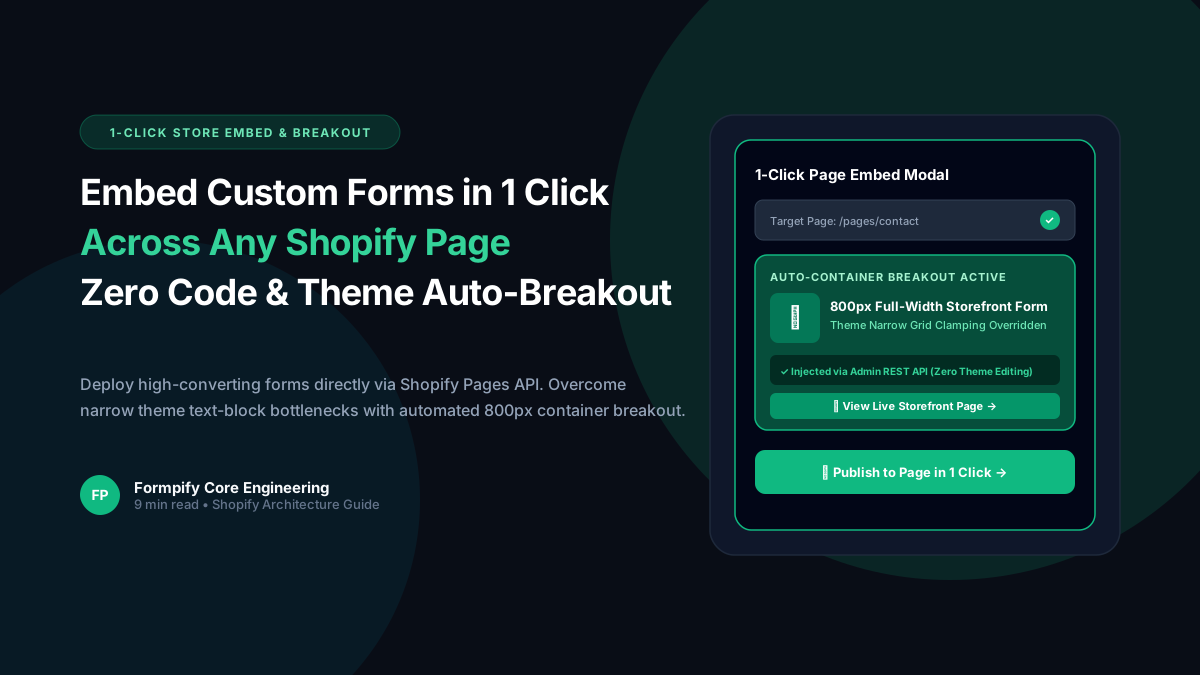
How to Embed Custom Forms on Any Shopify Page in 1 Click (Zero Liquid Code, Theme Auto-Breakout & Full-Width 800px Support)
Past Shopify form apps force merchants to manually copy liquid snippets, edit theme files, or suffer from cramped 360px mobile widths on desktop screens. Discover how Formpify v2.3.1 introduces seamless 1-click Store Page auto-embedding via Shopify Admin REST API and intelligent Theme Container Breakout for perfect 800px full-width forms.
 Tutorials
How to Build Advanced Dynamic Pricing Calculators on Shopify with Safe AST Math Formulas & Conditional Logic
Selling dimension-based items like custom glass, canvas prints, blinds, flooring, or bespoke upholstery? Standard Shopify variant pricing cannot calculate length × width formulas or conditional volume discounts. Discover how Formpify's Safe AST Math Formula Engine evaluates complex algebraic equations in real time without eval() vulnerabilities, keeping Canvas and Storefront in 100% sync.
 Tutorials
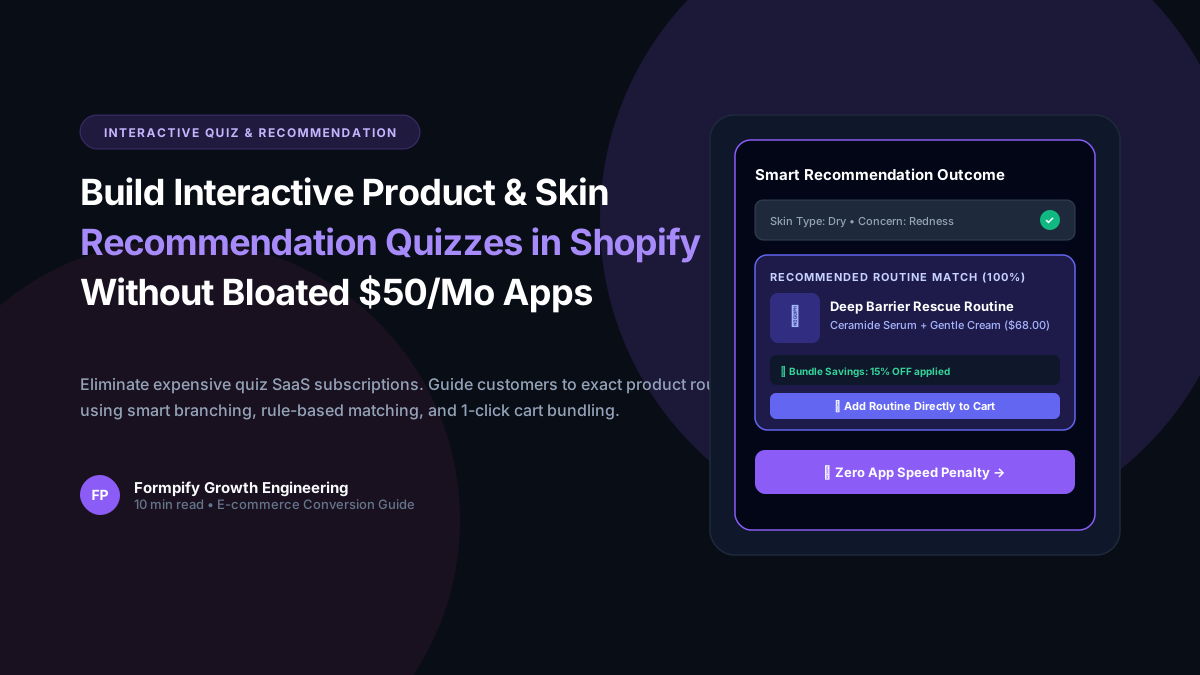
How to Build an Interactive Product Recommendation & Skincare/Size Quiz in Shopify (Without Bloated $50/mo Quiz Apps)
Traditional Shopify quiz apps charge $50–$300/month while injecting heavy scripts that devastate storefront performance. Learn how Formpify native Quiz Engine enables merchants to build custom recommendation quizzes with zero speed penalty, smart conditional branching, and instant 1-click AJAX cart bundling.
Ready to supercharge your Shopify forms?
Join thousands of merchants creating custom forms, surveys, and live cost calculators.