
Nested Conditional Logic: Combining AND/OR Rules for Complex Shopify Forms
Build complex multi-tier decision trees without writing code. Master condition grouping, hide/show actions, and required field overrides on Shopify.
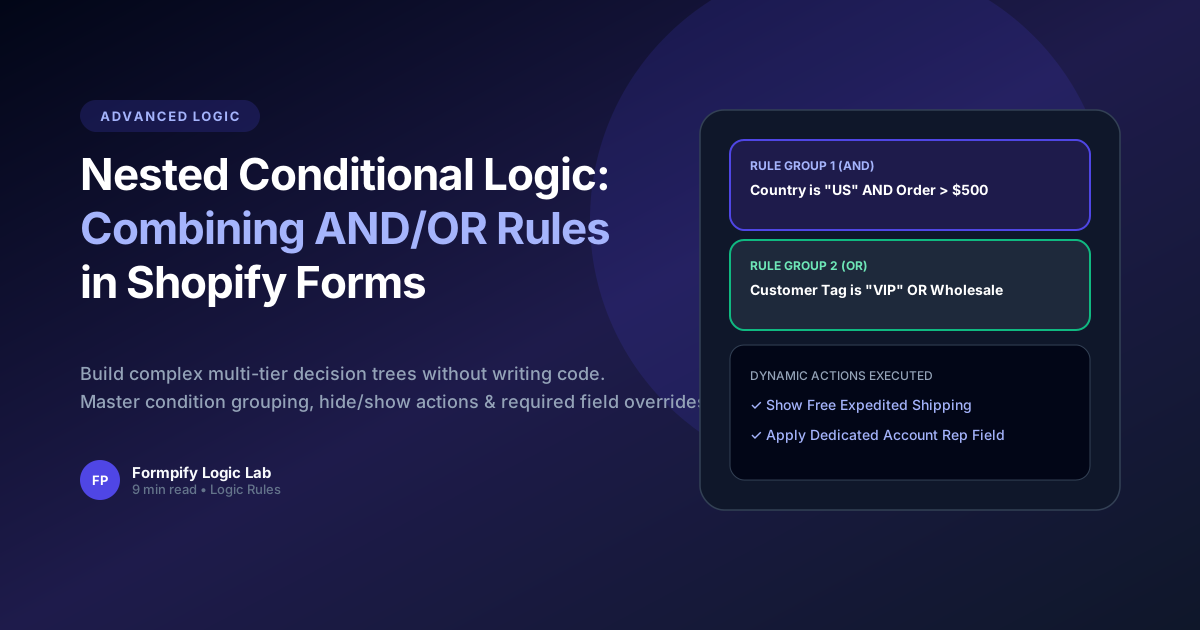
- Nested condition grouping allows multiple logical operators (AND/OR) within a single decision flow.
- Formpify evaluates field rules dynamically on every change event with zero UI lag.
- Required field validation automatically respects conditional visibility, preventing submission blockages on hidden inputs.
- Enables sophisticated enterprise workflows like multi-tier B2B qualification and trade document requests.
Table of Contents
1. Understanding Nested Logic Groups (AND vs OR)
Build complex multi-tier decision trees without writing code. Master condition grouping, hide/show actions, and required field overrides on Shopify.
In modern e-commerce, static forms and rigid default templates often create significant friction for buyers. When prospective customers cannot easily convey their unique requirements or receive immediate pricing feedback, abandonment rates soar past 60%. Implementing Nested Conditional Logic: Combining AND/OR Rules for Complex Shopify Forms directly on your Shopify storefront eliminates these bottlenecks, transforming passive site traffic into highly qualified, ready-to-buy inquiries.
Whether you operate a direct-to-consumer brand, a bespoke manufacturing workshop, or a fast-scaling B2B wholesale operation, offering intuitive, branded form experiences builds immediate consumer trust and establishes a clear competitive advantage over generic storefronts.
Key Insight for Shopify Merchants
Nested condition grouping allows multiple logical operators (AND/OR) within a single decision flow.
2. Building Multi-Tier Rule Trees in Formpify
Building an effective workflow on Shopify requires a balance of visual aesthetics, intuitive form controls, and seamless backend data synchronization. Formpify makes this possible with zero coding required.
Here are the primary architectural capabilities powering this workflow:
- Key Feature: Formpify evaluates field rules dynamically on every change event with zero UI lag.
- Key Feature: Required field validation automatically respects conditional visibility, preventing submission blockages on hidden inputs.
- Key Feature: Enables sophisticated enterprise workflows like multi-tier B2B qualification and trade document requests.
By organizing complex selections into clear, digestible steps, customers remain engaged and confident throughout the entire interaction.
3. Handling Required Fields Inside Hidden Logic Branches
Setting up this workflow in your Shopify store takes only a few minutes. Follow these practical steps inside the Formpify visual builder:
- Select or Create Your Form: In your Shopify Admin, open the Formpify app and click Create Form, or choose a specialized pre-built template from the template library.
- Add & Customize Fields: Drag the required field types (such as Card-style Radio, Dynamic Checkboxes, Number Inputs, Date Pickers, or File Uploads) onto your form canvas.
- Configure Rules & Formulas: Open the right-hand settings panel to assign conditional visibility rules, mathematical pricing formulas, or required validation parameters.
- Connect Integrations & CRM: Link your form directly to your email platform (Klaviyo, Mailchimp, Omnisend) or CRM (HubSpot, Salesforce, Google Sheets) for automatic lead dispatch.
- Embed in Your Theme: Open the Shopify Online Store 2.0 Theme Editor and add the Formpify App Block to any product template, landing page, or slide-out drawer.
⚡ Pro Implementation Tip
Always preview your form across mobile screen sizes. Formpify's card-style inputs and lightweight embed engine ensure sub-50ms execution and frictionless touch-friendly interactions on all smartphone devices.
Build Nested Logic Forms
Explore Formpify’s visual Conditional Logic rule builder.
Explore More Shopify Form Guides
 Tutorials
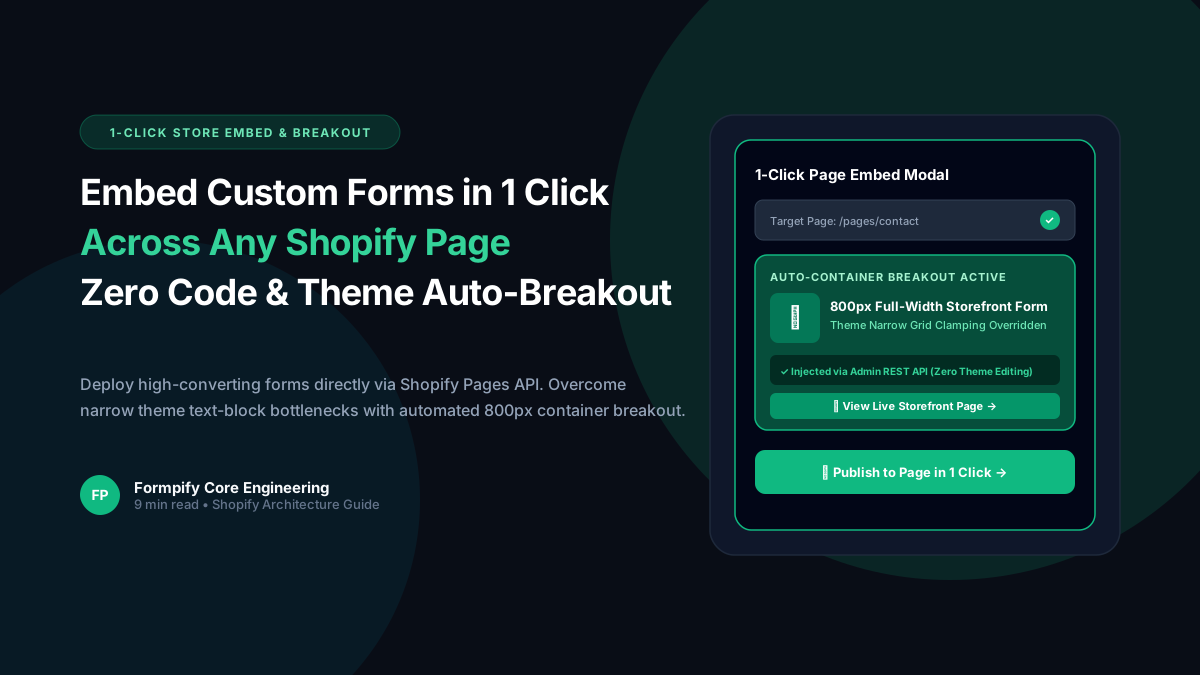
How to Embed Custom Forms on Any Shopify Page in 1 Click (Zero Liquid Code, Theme Auto-Breakout & Full-Width 800px Support)
Past Shopify form apps force merchants to manually copy liquid snippets, edit theme files, or suffer from cramped 360px mobile widths on desktop screens. Discover how Formpify v2.3.1 introduces seamless 1-click Store Page auto-embedding via Shopify Admin REST API and intelligent Theme Container Breakout for perfect 800px full-width forms.
 Tutorials
How to Build Advanced Dynamic Pricing Calculators on Shopify with Safe AST Math Formulas & Conditional Logic
Selling dimension-based items like custom glass, canvas prints, blinds, flooring, or bespoke upholstery? Standard Shopify variant pricing cannot calculate length × width formulas or conditional volume discounts. Discover how Formpify's Safe AST Math Formula Engine evaluates complex algebraic equations in real time without eval() vulnerabilities, keeping Canvas and Storefront in 100% sync.
 Tutorials
How to Build an Interactive Product Recommendation & Skincare/Size Quiz in Shopify (Without Bloated $50/mo Quiz Apps)
Traditional Shopify quiz apps charge $50–$300/month while injecting heavy scripts that devastate storefront performance. Learn how Formpify native Quiz Engine enables merchants to build custom recommendation quizzes with zero speed penalty, smart conditional branching, and instant 1-click AJAX cart bundling.
Ready to supercharge your Shopify forms?
Join thousands of merchants creating custom forms, surveys, and live cost calculators.