
How to Sync Shopify Forms to Google Sheets, Notion, Slack & Twilio SMS (Zero Webhooks Needed)
Tired of paying $30/month for third-party webhook aggregators just to pass Shopify form leads into your spreadsheets and team channels? Learn how Formpify provides native, real-time synchronization to Google Sheets, Notion, Slack, and Twilio SMS with zero middleman software.
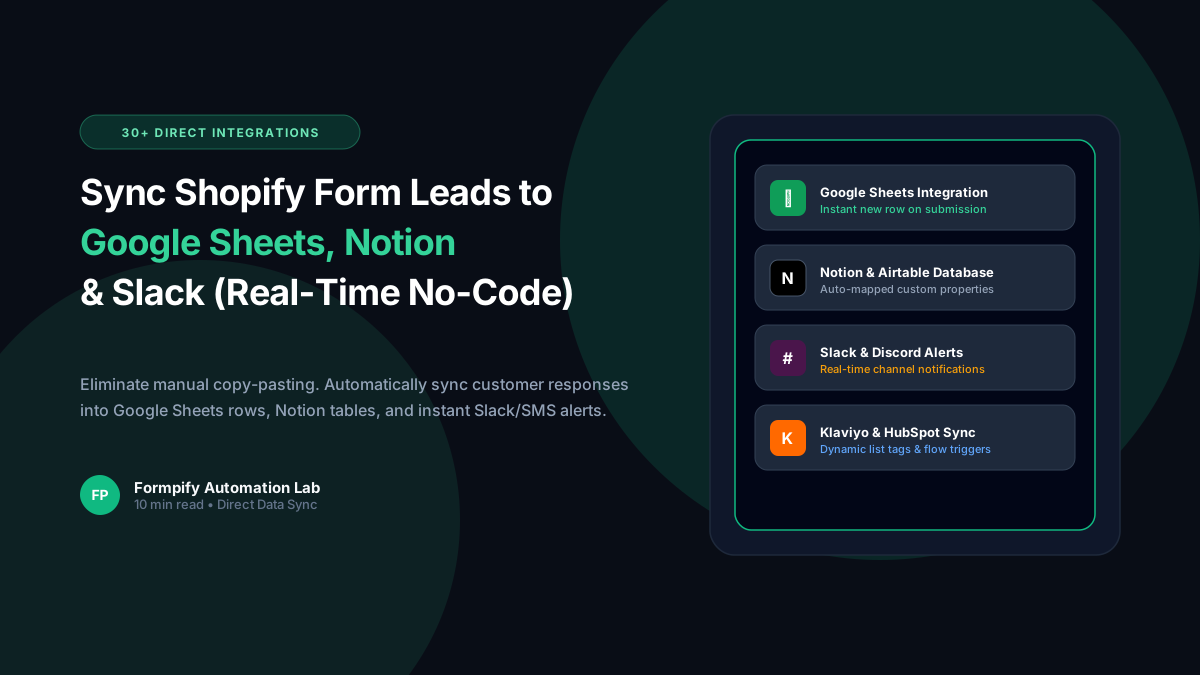
- Third-party webhook routing tools charge $20-$50/month and introduce latency, task quotas, and painful connection disconnects when syncing Shopify form leads.
- Formpify features over 30 native direct cloud integrations built right into the app core, including Google Sheets, Notion, Slack, Twilio SMS, Klaviyo, Mailchimp, and HubSpot.
- Native Google Sheets integration automatically creates column headers matching your form fields and appends every new submission instantly into a designated spreadsheet tab.
- Notion database synchronization maps form text, multi-select tags, date pickers, and file attachment URLs directly to native Notion properties.
- Slack channel alerts deliver formatted rich notification cards with customer names, inquiry details, and direct admin response buttons in real-time.
- Twilio SMS automation delivers instant text message order confirmations to customers and urgent notification pings to on-call merchant phone numbers.
- Direct API architecture eliminates middleman failure points, ensuring 99.99% synchronization reliability even during massive Black Friday / Cyber Monday traffic surges.
Table of Contents
- →1. The Hidden Costs & Fragility of Third-Party Webhook Middlemen
- →2. Real-Time Google Sheets Sync: Automatic Column Mapping & Live Appending
- →3. Notion Integration: Connecting Forms to CRM & Inventory Databases
- →4. Instant Team Notifications: Form Submissions Straight to Slack
- →5. Urgent SMS Messaging: Real-Time Twilio Texts for Merchants & Buyers
- →6. Step-by-Step Tutorial: Connecting Your First Integration in Formpify
1. The Hidden Costs & Fragility of Third-Party Webhook Middlemen
For most Shopify store operators, form submissions are only the beginning of an operational workflow. When a customer submits a wholesale application, a custom fabrication quote, or a product return request, that data needs to reach external systems:
- Fulfillment & Ops Teams: Need a clean, live row added to a shared Google Sheet.
- Project Managers: Need a task card created inside Notion or Monday.com.
- Sales Representatives: Need an urgent ping in a dedicated Slack channel within seconds of submission.
- Warehouse Staff: Need an immediate SMS alert via Twilio to expedite rush production.
In standard form setups, achieving this requires connecting webhooks to external multi-app automation platforms. But this architecture comes with severe downsides:
| Evaluation Dimension | Third-Party Webhook Middlemen | Formpify Native Direct Integrations |
|---|---|---|
| Monthly Cost | $20 to $60+/month tiered task fees | $0 extra — Included directly in Formpify |
| Latency & Speed | 5 to 15-minute polling delays on entry tiers | Instant real-time dispatch (< 500ms) |
| Setup Complexity | Requires creating zaps, payload parsers, JSON webhooks | 1-Click OAuth connection & auto-field mapping |
| Reliability & Dropped Leads | Task quota exhaustion pauses sync silently | Enterprise queue with automated retry logic |
2. Real-Time Google Sheets Sync: Automatic Column Mapping & Live Appending
Formpify's Google Sheets Integration allows merchants to stream form entries directly into Google Drive with zero configuration hassle:
Key Google Sheets Capabilities:
3. Notion Integration: Connecting Forms to CRM & Inventory Databases
Notion has become the operating system for thousands of modern D2C and omnichannel eCommerce brands. With Formpify's Notion Integration, you can map form inputs straight to Notion database properties:
- Wholesale Accounts CRM: Store company name, contact person, resale license links, and wholesale tier tags directly into your client relationship database.
- Bespoke Order Kanban: Automatically create a new card in your "Custom Orders" board with customer specifications, design notes, and deadline dates.
- Bug & Quality Reports: Track product quality inquiries with priority tags and direct file attachments embedded in Notion page bodies.
4. Instant Team Notifications: Form Submissions Straight to Slack
Speed to response determines closing rates. According to Harvard Business Review, responding to customer inquiries within 5 minutes increases conversion likelihood by over 390% compared to responding within an hour.
Formpify's Native Slack Integration sends rich formatted message cards into any private or public Slack channel the millisecond a customer hits submit:
5. Urgent SMS Messaging: Real-Time Twilio Texts for Merchants & Buyers
Email open rates hover around 20%, whereas SMS boasts an astonishing 98% open rate within 3 minutes of receipt. With Formpify's Twilio SMS Integration, you can configure dual-direction text message alerts:
- Customer Confirmation SMS: Send an immediate text message confirming their inquiry: "Hi Alex, thanks for reaching out to [Store Name]! We received your custom quote request #4891 and our team is preparing your mockup."
- Internal Merchant Alert SMS: Send an urgent SMS ping to the store owner or warehouse manager when a high-priority event occurs (e.g. orders over $5,000 or emergency cancellation notices).
6. Step-by-Step Tutorial: Connecting Your First Integration in Formpify
- Open Form Builder: In Shopify Admin, navigate to Apps > Formpify Form Builder and edit your target form.
- Access Integrations Tab: Click the Integrations tab in the builder header.
- Choose Integration: Select from 30+ native integrations (e.g. Google Sheets or Slack).
- Authorize Connection: Click Connect and grant permission via the secure OAuth flow.
- Map Form Fields: Match your form inputs (Name, Email, Custom Dimensions, Uploads) to your target destination columns or notification variables.
- Test & Save: Click Send Test Submission to verify live delivery into your spreadsheet or channel, then hit Save Form.
Eliminate costly middleware subscriptions, eliminate sync lag, and automate your entire eCommerce operation natively with Formpify.
Connect Shopify forms to Google Sheets, Notion, Slack & 30+ apps
Streamline operations with direct, real-time native integrations without paying for webhook middleware.
Explore More Shopify Form Guides
 Tutorials
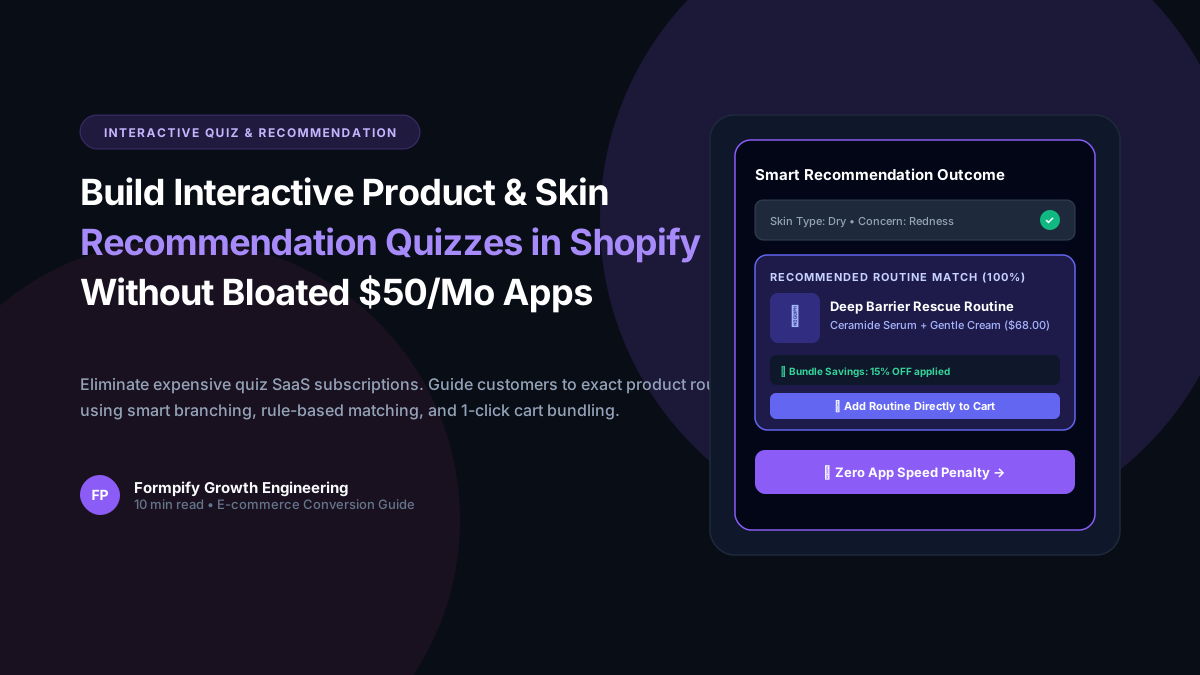
How to Build an Interactive Product Recommendation & Skincare/Size Quiz in Shopify (Without Bloated $50/mo Quiz Apps)
Traditional Shopify quiz apps charge $50–$300/month while injecting heavy scripts that devastate storefront performance. Learn how Formpify native Quiz Engine enables merchants to build custom recommendation quizzes with zero speed penalty, smart conditional branching, and instant 1-click AJAX cart bundling.
 Tutorials
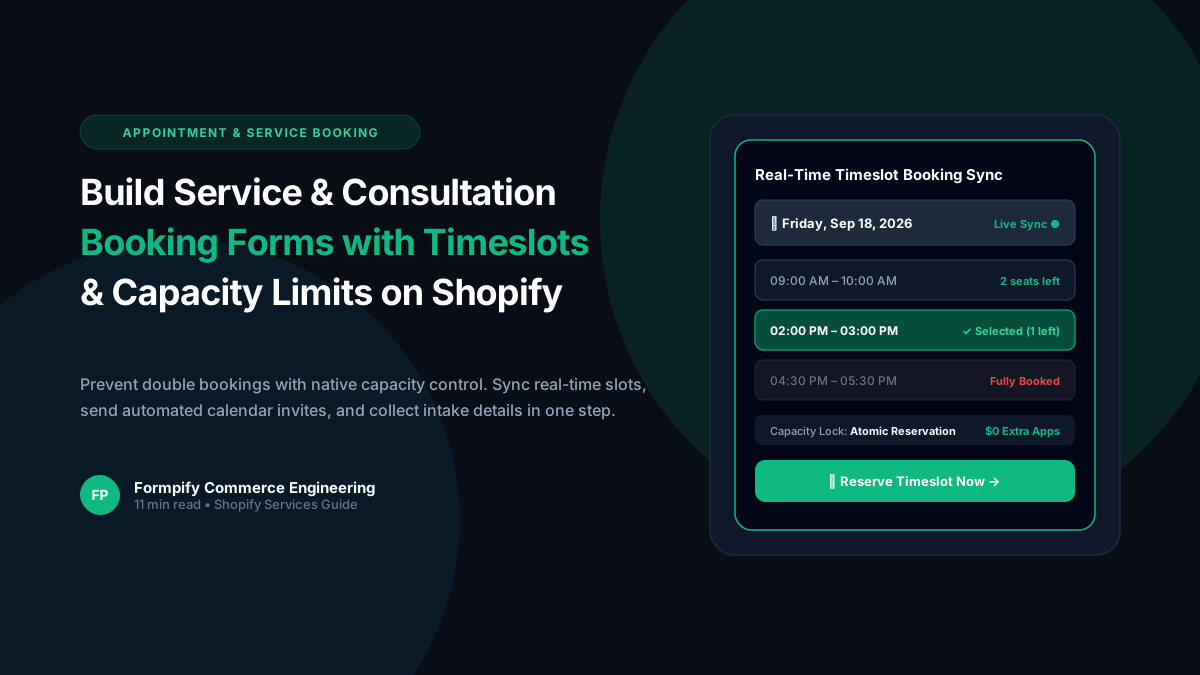
How to Build a Service & Consultation Booking Form with Real-Time Timeslots and Capacity Limits in Shopify
Selling services, consultations, or studio appointments on Shopify often forces brands to use clunky third-party calendars or expensive booking plugins. Discover how Formpify real-time timeslot engine delivers atomic capacity controls, custom availability rules, and seamless customer checkout integration.
 Tutorials
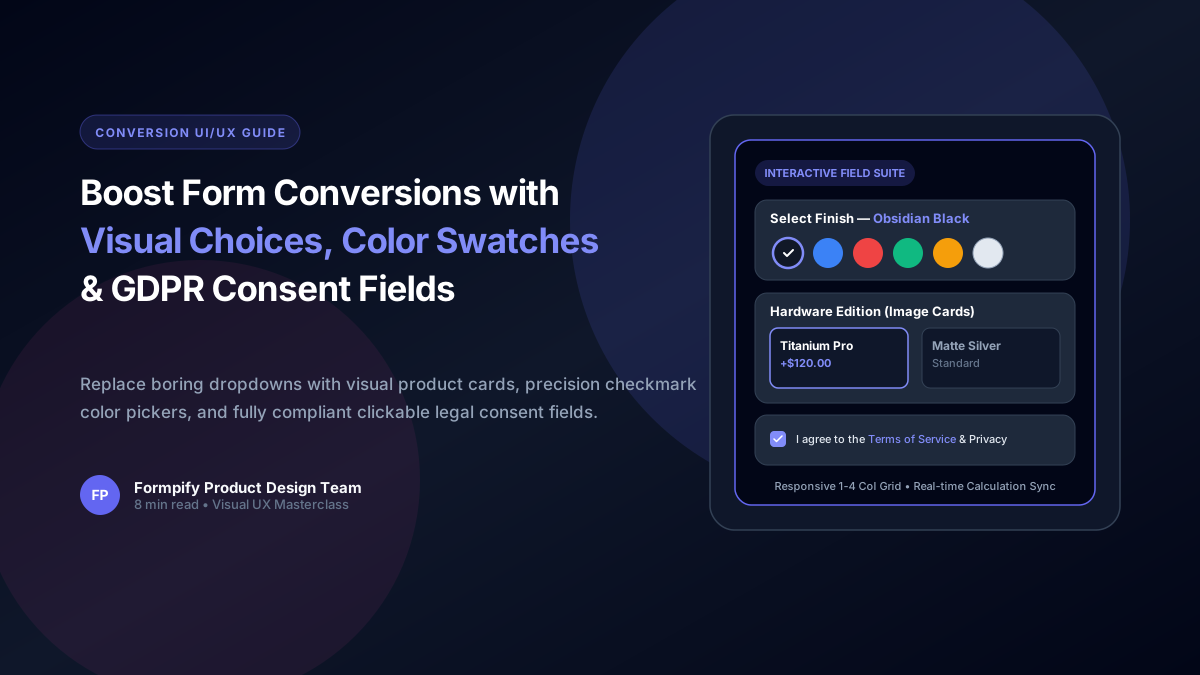
Boost Shopify Form Conversions with Visual Image Choices, Color Swatches & GDPR Consent Fields
Shoppers process visual cards 60,000x faster than plain text. Learn how to configure Picture Choice image grids, dynamic Color Swatches with addon pricing, and compliant Consent fields in Formpify.
Ready to supercharge your Shopify forms?
Join thousands of merchants creating custom forms, surveys, and live cost calculators.