
How to Automatically Sync Shopify Form Submissions to Klaviyo & Mailchimp
Eliminate manual CSV export headaches. Learn how Formpify syncs custom form responses directly into your email marketing lists in real time.
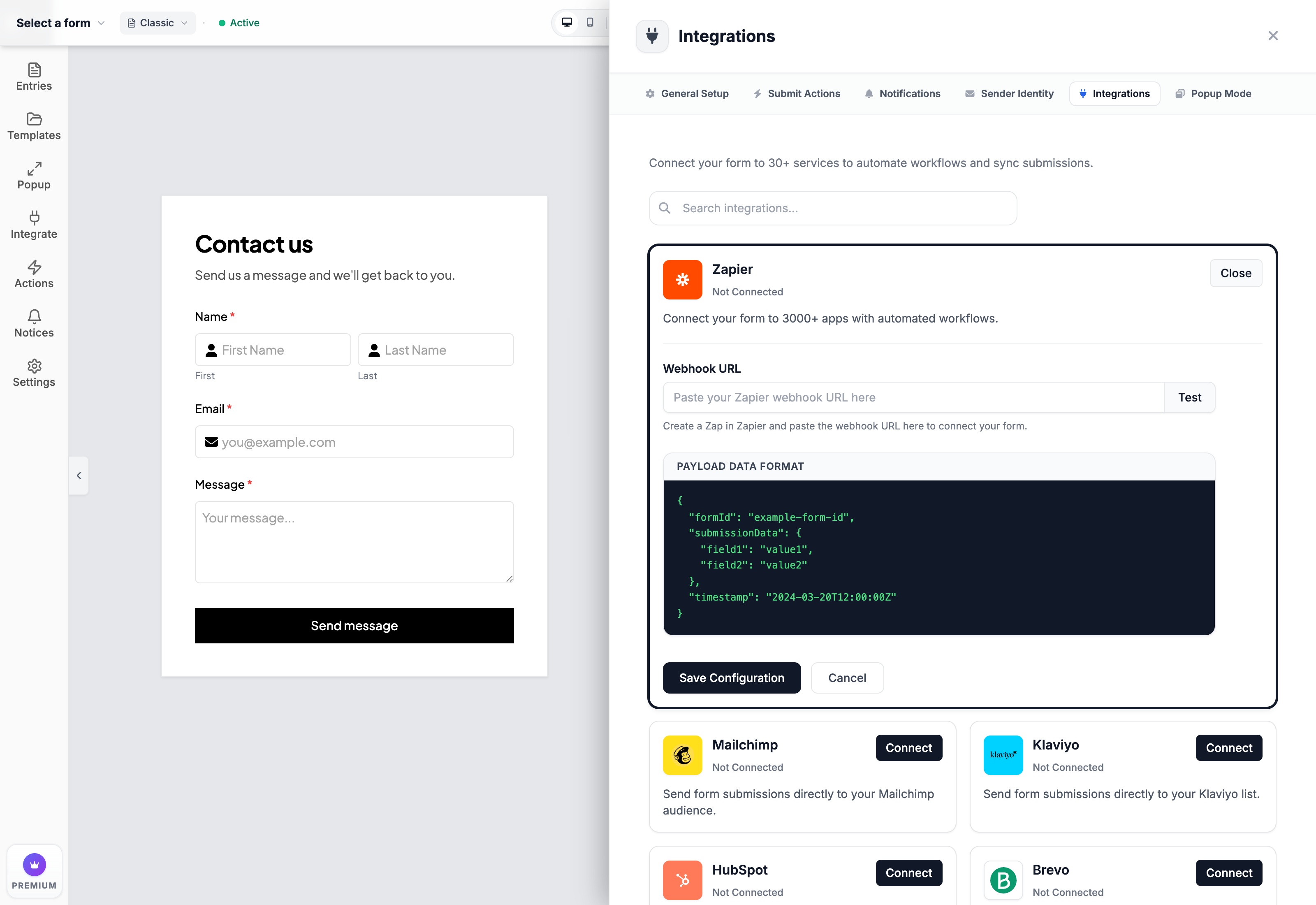
- Real-time API synchronization eliminates manual CSV exporting and ensures leads receive welcome emails instantly.
- Formpify lets you map custom form fields (e.g. Estimated Budget, Product Preference) directly to custom Klaviyo Profile Properties.
- Supports native Google Sheets appending and real-time Slack channel notifications for sales teams.
- Complies with GDPR double opt-in settings to keep your email deliverability rates pristine.
Table of Contents
1. Why Real-Time Sync Beats Manual CSV Exports
Capturing leads on your Shopify store is only half the equation. If those inquiries sit unread in an email inbox or require manual export-import routines into marketing spreadsheets, your sales velocity plummets and valuable prospective buyers go cold.
Traditional workflows rely on fragile third-party webhook tools that bill per transaction, costing hundreds of dollars every month as submission volumes scale. Formpify delivers native, direct-to-platform integrations that automatically route submission data to Klaviyo, Google Sheets, Slack, and Zapier without third-party connector fees.
Key Insight for Shopify Merchants
Real-time API synchronization eliminates manual CSV exporting, ensuring leads receive automated welcome emails and personalized quotes within seconds.
2. Connecting Klaviyo & Mapping Custom Profile Fields
With Formpify's dedicated Klaviyo integration, customer intake forms do far more than collect standard email addresses:
- Direct Profile Property Mapping: Map custom fields (such as Preferred Material, Budget Range, or Company Size) directly into Klaviyo custom properties.
- Targeted List Routing: Automatically assign submissions to specific Klaviyo lists (e.g., VIP Wholesale, Custom Inquiries, or Design Consultations).
- GDPR & Double Opt-in Compliance: Respect customer consent flags to preserve your store sender reputation and email deliverability.
For an in-depth walkthrough on configuring automated notifications across marketing and sales channels, check out the complete guide on GravityExtra: How to Sync Shopify Form Submissions to Klaviyo, Google Sheets & Slack.
3. Direct Google Sheets Appending & Slack Channel Alerts
Beyond email marketing, your operational team needs immediate visibility into inbound submissions:
- Google Sheets Real-Time Sync: Authenticate your Google account in one click. Every form submission instantly appends a new row containing all field answers, timestamps, and customer metadata.
- Slack Webhook Notifications: Broadcast rich message cards directly into your sales or fulfillment Slack channels so reps can follow up within minutes.
- Zapier & Webhook Triggers: Dispatch clean JSON payloads to Airtable, Notion, or custom CRM endpoints for enterprise workflows.
⚡ Pro Implementation Tip
Map high-value custom quote submissions directly to a dedicated #sales-leads Slack channel to maintain sub-15-minute response times during peak shopping periods.
4. Triggering Automated Welcome & Quote Sequences
Once your fields are synchronized to Klaviyo, set up segmented flow triggers to capitalize on purchase momentum:
- Segment by Project Size: Trigger high-touch VIP sequences for budgets above $1,000, and automated self-serve catalogs for entry-tier inquiries.
- Automated PDF Quote Confirmation: Deliver an instant branded receipt confirming customer answers and setting clear response time expectations.
- Eliminate Spam: Rely on Formpify's built-in Google reCAPTCHA v3 and Honeypot traps to keep your Klaviyo lists 100% clean and free of bot signups.
Integrate Klaviyo with Formpify
Learn how Formpify’s native Klaviyo integration powers automated email marketing flows.
Explore More Shopify Form Guides
 Tutorials
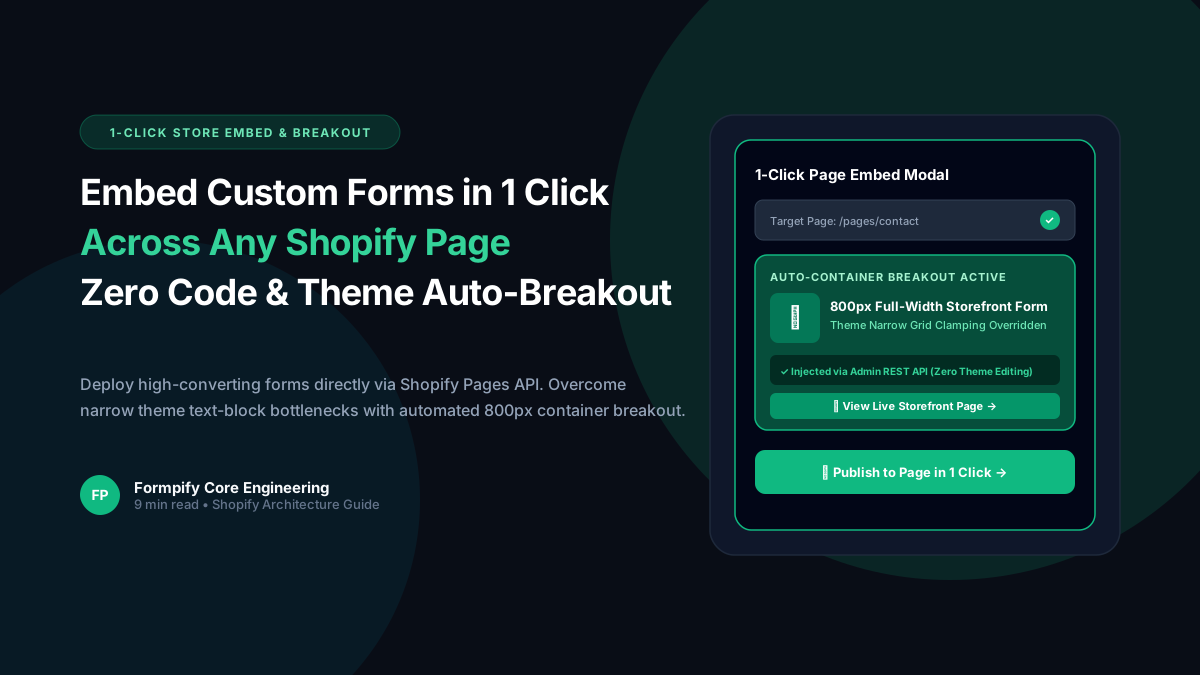
How to Embed Custom Forms on Any Shopify Page in 1 Click (Zero Liquid Code, Theme Auto-Breakout & Full-Width 800px Support)
Past Shopify form apps force merchants to manually copy liquid snippets, edit theme files, or suffer from cramped 360px mobile widths on desktop screens. Discover how Formpify v2.3.1 introduces seamless 1-click Store Page auto-embedding via Shopify Admin REST API and intelligent Theme Container Breakout for perfect 800px full-width forms.
 Tutorials
How to Build Advanced Dynamic Pricing Calculators on Shopify with Safe AST Math Formulas & Conditional Logic
Selling dimension-based items like custom glass, canvas prints, blinds, flooring, or bespoke upholstery? Standard Shopify variant pricing cannot calculate length × width formulas or conditional volume discounts. Discover how Formpify's Safe AST Math Formula Engine evaluates complex algebraic equations in real time without eval() vulnerabilities, keeping Canvas and Storefront in 100% sync.
 Tutorials
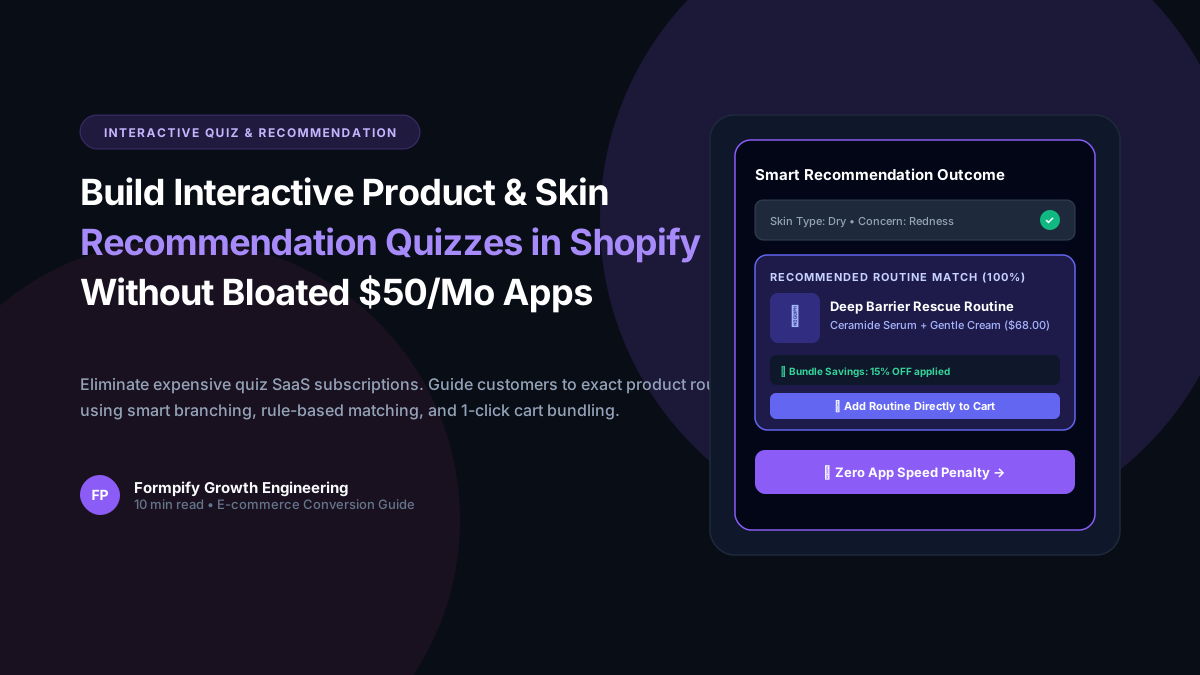
How to Build an Interactive Product Recommendation & Skincare/Size Quiz in Shopify (Without Bloated $50/mo Quiz Apps)
Traditional Shopify quiz apps charge $50–$300/month while injecting heavy scripts that devastate storefront performance. Learn how Formpify native Quiz Engine enables merchants to build custom recommendation quizzes with zero speed penalty, smart conditional branching, and instant 1-click AJAX cart bundling.
Ready to supercharge your Shopify forms?
Join thousands of merchants creating custom forms, surveys, and live cost calculators.