
Building a Custom Apparel & Screen Printing Quantity Matrix Calculator on Shopify
Enable size breakdowns (S-3XL), print location add-ons, vector artwork upload, and live bulk quantity discount pricing on your Shopify store.
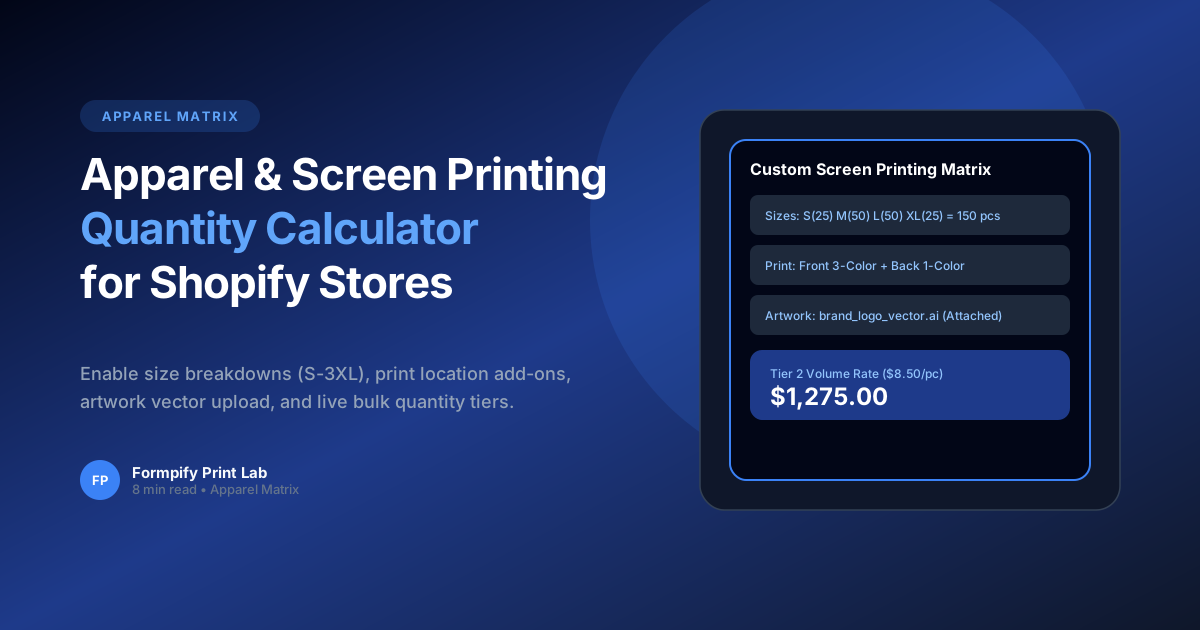
- Custom apparel orders require matrix inputs for sizes (S, M, L, XL, 2XL) across multiple apparel colors.
- Formpify’s input table field computes total garment counts and applies tiered volume discounts automatically.
- Includes drag-and-drop vector file upload fields (AI, EPS, PDF, PNG) up to 25MB for print-ready artwork.
- Calculates front, back, and sleeve print location surcharges in real time.
Table of Contents
1. The Complexities of Screen Printing Pricing
Enable size breakdowns (S-3XL), print location add-ons, vector artwork upload, and live bulk quantity discount pricing on your Shopify store.
In modern e-commerce, static forms and rigid default templates often create significant friction for buyers. When prospective customers cannot easily convey their unique requirements or receive immediate pricing feedback, abandonment rates soar past 60%. Implementing Building a Custom Apparel & Screen Printing Quantity Matrix Calculator on Shopify directly on your Shopify storefront eliminates these bottlenecks, transforming passive site traffic into highly qualified, ready-to-buy inquiries.
Whether you operate a direct-to-consumer brand, a bespoke manufacturing workshop, or a fast-scaling B2B wholesale operation, offering intuitive, branded form experiences builds immediate consumer trust and establishes a clear competitive advantage over generic storefronts.
Key Insight for Shopify Merchants
Custom apparel orders require matrix inputs for sizes (S, M, L, XL, 2XL) across multiple apparel colors.
2. Setting Up S-3XL Garment Quantity Matrices
Building an effective workflow on Shopify requires a balance of visual aesthetics, intuitive form controls, and seamless backend data synchronization. Formpify makes this possible with zero coding required.
Here are the primary architectural capabilities powering this workflow:
- Key Feature: Formpify’s input table field computes total garment counts and applies tiered volume discounts automatically.
- Key Feature: Includes drag-and-drop vector file upload fields (AI, EPS, PDF, PNG) up to 25MB for print-ready artwork.
- Key Feature: Calculates front, back, and sleeve print location surcharges in real time.
By organizing complex selections into clear, digestible steps, customers remain engaged and confident throughout the entire interaction.
3. Configuring Print Locations & Ink Color Surcharges
Setting up this workflow in your Shopify store takes only a few minutes. Follow these practical steps inside the Formpify visual builder:
- Select or Create Your Form: In your Shopify Admin, open the Formpify app and click Create Form, or choose a specialized pre-built template from the template library.
- Add & Customize Fields: Drag the required field types (such as Card-style Radio, Dynamic Checkboxes, Number Inputs, Date Pickers, or File Uploads) onto your form canvas.
- Configure Rules & Formulas: Open the right-hand settings panel to assign conditional visibility rules, mathematical pricing formulas, or required validation parameters.
- Connect Integrations & CRM: Link your form directly to your email platform (Klaviyo, Mailchimp, Omnisend) or CRM (HubSpot, Salesforce, Google Sheets) for automatic lead dispatch.
- Embed in Your Theme: Open the Shopify Online Store 2.0 Theme Editor and add the Formpify App Block to any product template, landing page, or slide-out drawer.
⚡ Pro Implementation Tip
Always preview your form across mobile screen sizes. Formpify's card-style inputs and lightweight embed engine ensure sub-50ms execution and frictionless touch-friendly interactions on all smartphone devices.
4. Handling High-Resolution Vector Artwork Uploads
To maximize lead conversion rates and maintain an exceptional user experience, implement these proven best practices:
- Progressive Disclosure: Keep initial questions simple and concise. Use conditional logic or multi-step flows to reveal detailed questions only when necessary.
- Transparent Estimates: If providing pricing or deposit totals, itemize base rates, add-on options, and applicable taxes clearly so buyers understand exactly what is included.
- Automated Follow-ups: Send an immediate branded PDF receipt or auto-responder email to confirm receipt and set clear expectations for next steps.
- Data Hygiene & Security: Leverage built-in Google reCAPTCHA v3 and Honeypot spam traps to ensure your database remains clean and protected against bot submissions.
By pairing clean frontend design with robust backend automation, your store can scale inbound quote inquiries efficiently without increasing manual administrative workload.
Build Screen Printing Order Forms
Use Formpify’s Wholesale & Bulk Order Matrix to streamline apparel quote requests.
Explore More Shopify Form Guides
 B2B Strategies
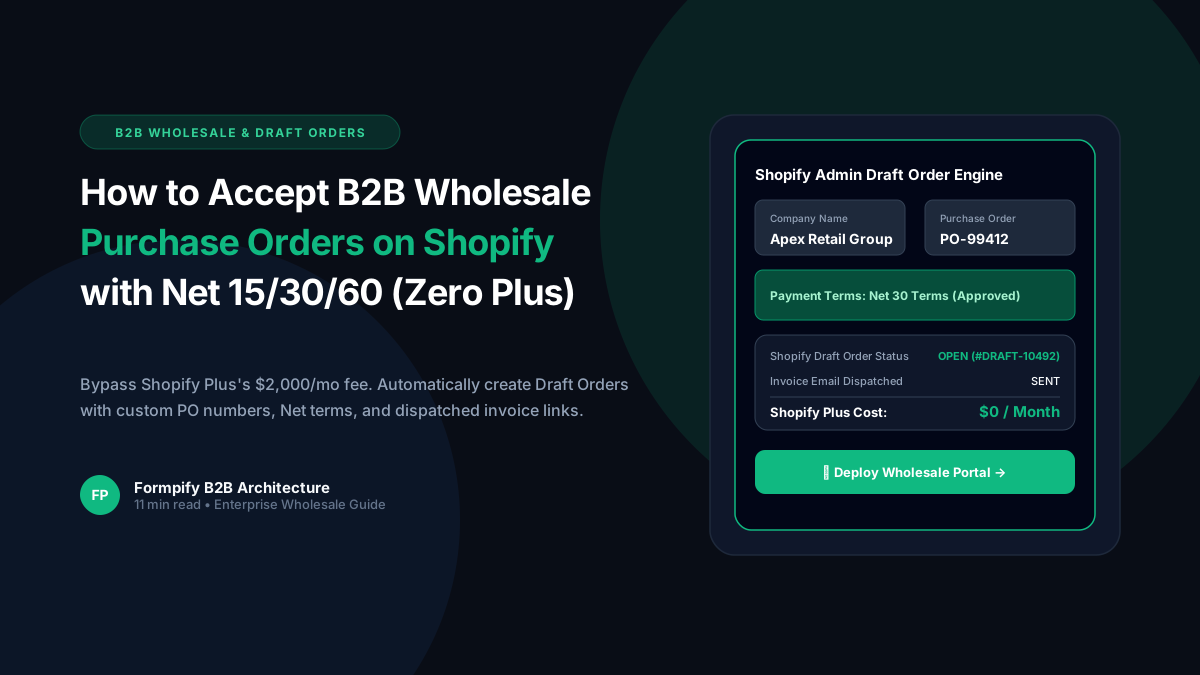
How to Accept B2B Wholesale Purchase Orders with Net 15/30/60 Payment Terms in Shopify (Zero Plus Plan Required)
Shopify Plus locks native B2B wholesale features behind a steep $2,000/month plan. Discover how Formpify enables independent merchants on any Shopify tier to accept wholesale purchase orders, enforce Net 15/30/60 payment terms, map custom PO numbers, and generate native Shopify Admin Draft Orders automatically upon submission.
 B2B Strategies
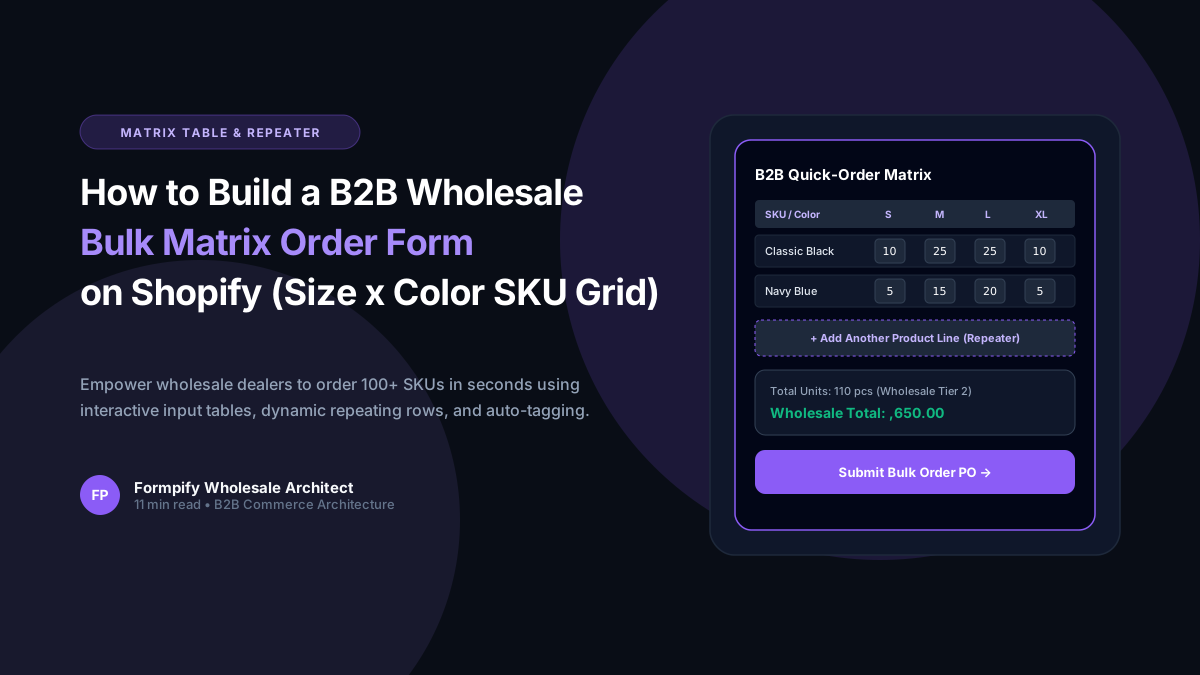
Building B2B Wholesale Bulk Order Forms on Shopify: Matrix Tables, Repeaters & Net Terms
B2B wholesale buyers hate adding 50 product variants one-by-one. Learn how Formpify's interactive Matrix Tables (InputTable) and dynamic SKU Repeaters let commercial dealers, distributors, and corporate accounts order hundreds of units across sizes and colors in seconds.
 B2B Strategies
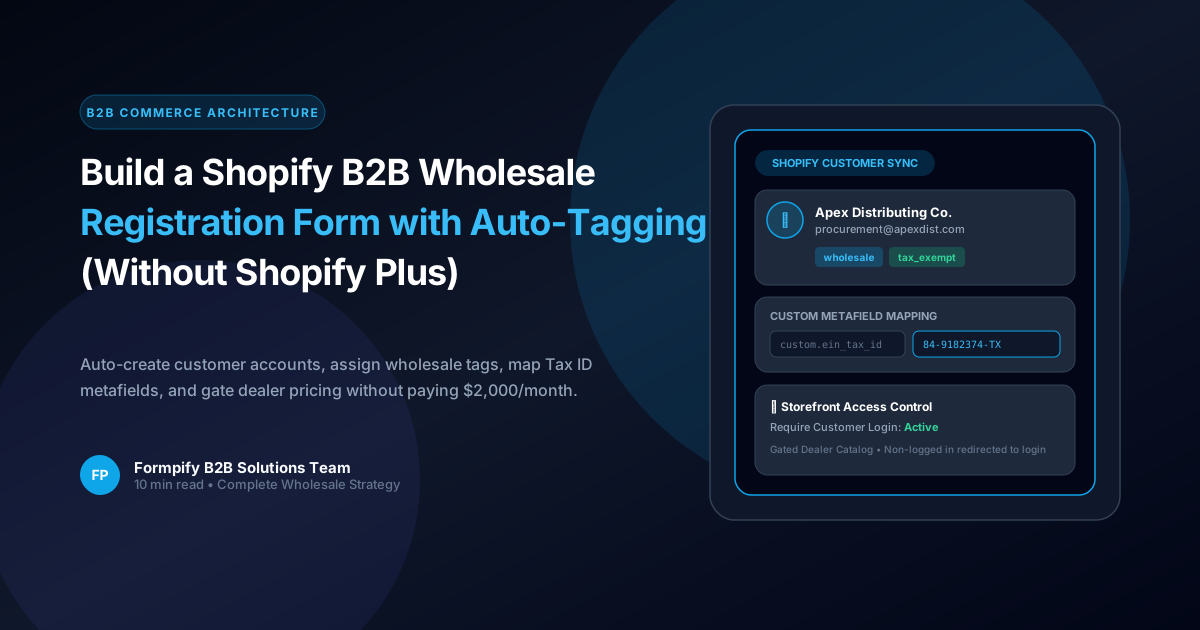
How to Build a Shopify B2B Wholesale Registration Form with Customer Auto-Tagging (Without Shopify Plus)
Shopify Plus charges $2,000/month for native B2B company profiles. Discover how Formpify allows growing merchants to build automated B2B wholesale registration forms with instant customer account creation, automatic tagging, tax-exempt metafield mapping, and gated catalog access.
Ready to supercharge your Shopify forms?
Join thousands of merchants creating custom forms, surveys, and live cost calculators.