
How to Use the Email Field
April 17, 2026
Formpify Academy
Email Field & Notifications
Collect respondent emails and automatically trigger dynamic receipts or autoresponders.
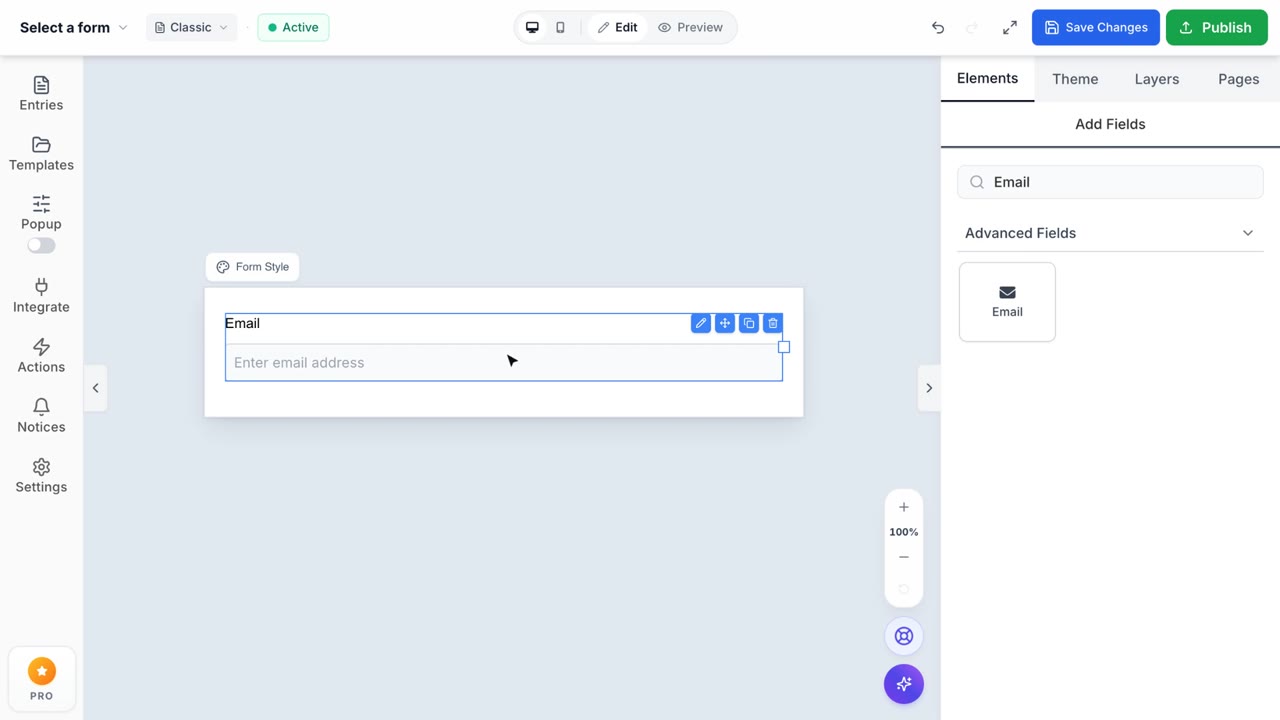
The Email field is essential for keeping in touch with your respondents and is one of the most frequently used form fields.
Automatic Form Validation
When you use the Email field, Formpify automatically validates the input to ensure it's a properly formatted email address before allowing the user to submit.
Email Notifications & Autoresponders
The true power of the Email field shines when combined with Formpify's Notification system. You can easily map the submitted Email field to automatically send receipts, welcome messages, or confirmation emails.
- Go to Settings > Notifications in the Form Builder.
- Click Add New Notification to create a new autoresponder.
- Under the Send To section, switch the toggle from Enter Email to Select a Field.
- Choose your Email field from the dropdown menu.
- Now, whenever someone submits the form, Formpify will dynamically send your custom message straight to their inbox!