
How to Use Form Templates
Template Library
Instantly load and switch between beautiful pre-built form templates.
Building forms from scratch can be time-consuming. Formpify provides a robust, ever-growing library of high-converting, professionally designed templates to help you deploy stunning forms in seconds.
1. Access the Template Library
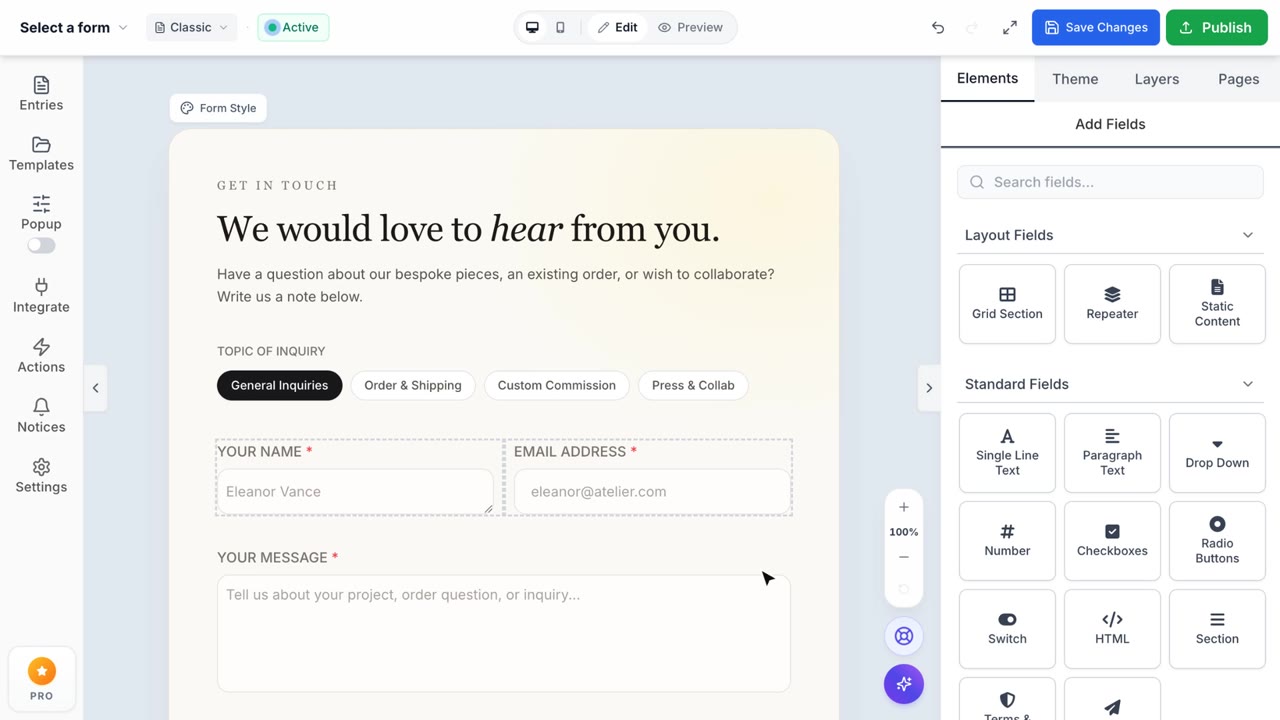
While inside the Form Builder interface, locate the narrow left navigation bar and click on the Templates icon. A sleek drawer will smoothly slide in from the left side, presenting you with a curated grid of available architectural structures to choose from.
2. Browse Pre-built Designs
Scroll through out extensive collection of ready-to-use forms, ranging from "Simple Contact" structures to complex "Modern Business" architectures (featuring dark themes and dual-column graphic layouts). You can visually inspect the initial layout, color schema, and field composition directly from the clean thumbnail previews.
3. Apply & Switch Templates Instantly
Found the perfect foundation for your project? Hover over your chosen design and click the Use Template button. The layout engine will instantly construct the entire form onto your central canvas in milliseconds. Changed your mind? Simply open the drawer again and select a different template to seamlessly swap out your entire form architecture on the fly.