
How to Use the Time Field
April 17, 2026
Formpify Academy
Time Field Settings
Allow respondents to select a specific time using a 12-hour or 24-hour format.
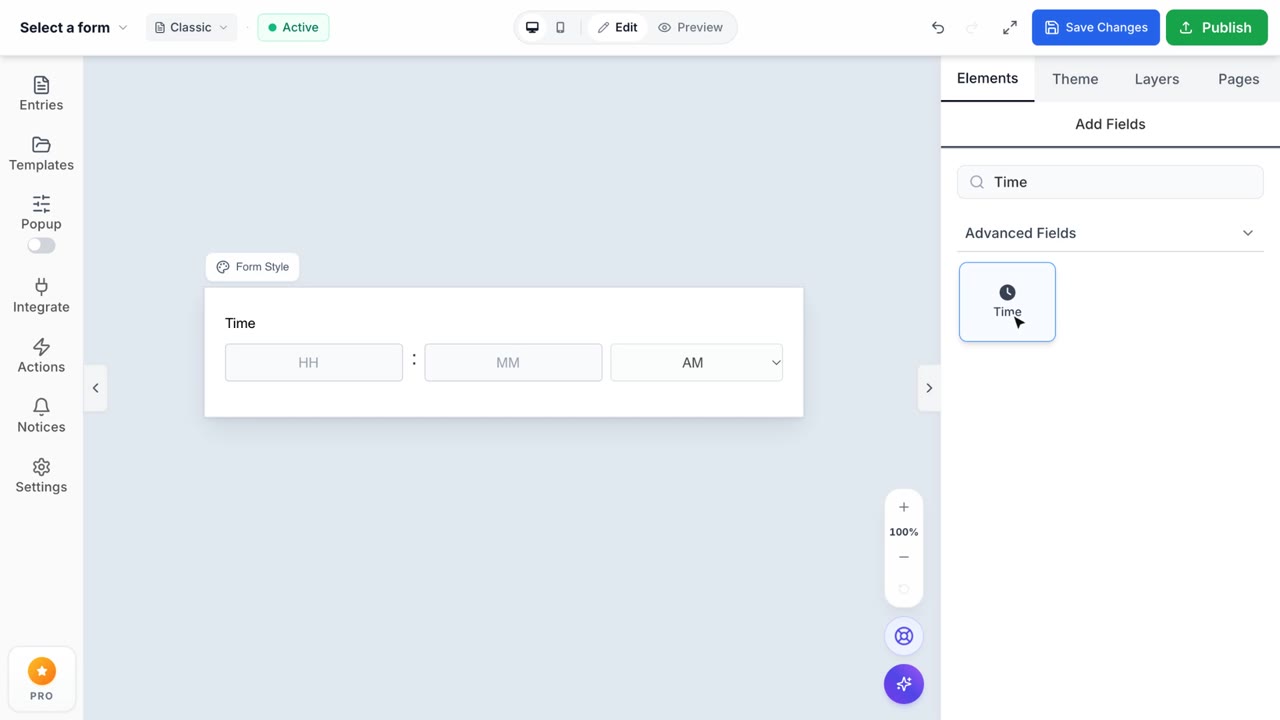
The Time field allows respondents to enter a specific time of day on your form.
Customizing the Time Format
When you add a Time field, you can click it to open the configuration panel in the right sidebar. By default, it uses the standard 12-hour format with an AM/PM selector.
You have full control over the time presentation:
- 12 hour format: The classic format displaying Hours (1-12) and Minutes, paired with an AM/PM dropdown.
- 24 hour format: Switch to military/international time format displaying Hours (0-23) and Minutes without the AM/PM selector. This is useful for international audiences, scheduling tools, or precise time logging.