
How to Use the Website Field
April 17, 2026
Formpify Academy
Website Field Validation
Collect properly formatted URLs with built-in automatic protocol validation and user feedback.
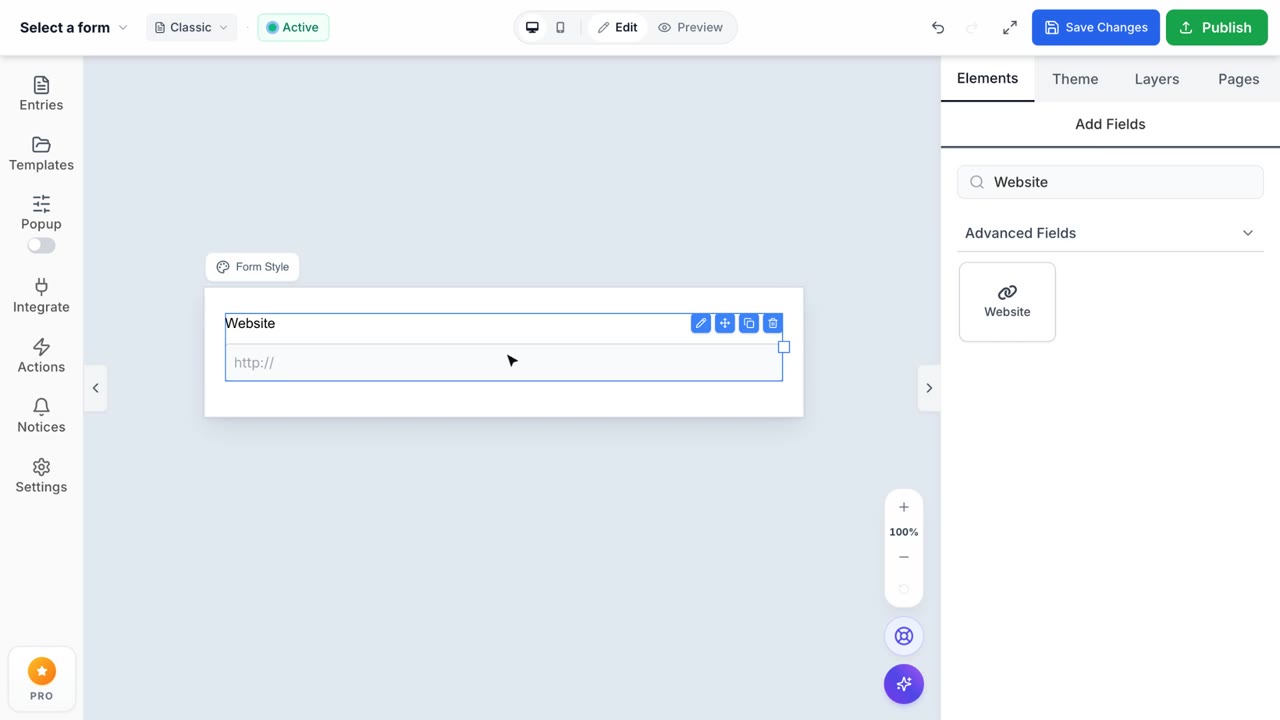
The Website field is specifically engineered for collecting URLs such as portfolio links, company websites, or social media profiles. It ensures the data you collect is consistently formatted and immediately usable.
Built-in URL Validation
The standout feature of the Website field is its automatic validation engine. Instead of relying on regular text fields where users might submit broken links, this field guarantees data integrity.
- Real-time Feedback: If a respondent attempts to enter an improperly formatted link (e.g., missing the protocol), the field instantly highlights in red and provides a helpful error tooltip.
- Format Enforcement: Ensures that all collected URLs begin with
http://orhttps://, making them clickable directly from your Formpify dashboard or integrated CRM.
Customization & Usability
Make the field intuitive for your specific use case:
- Custom Labels: Rename the field to "LinkedIn Profile", "Dribbble Portfolio", or "Company Website" depending on the context.
- Helpful Placeholders: Guide your users by setting placeholders like
https://your-portfolio.com, demonstrating exactly what format is expected. - Visual Indicators: The integrated globe/link icon provides an immediate visual cue to the user about what type of data is expected.